Gardenful field guide
Can ChatGPT design my garden?
The short answer
Yes. ChatGPT can turn a yard photo and a written brief into garden ideas, a visual concept, and a plant shortlist. Tell it what must stay, the look you want, and the site facts a photo cannot show. Then compare the result with your original yard and check the plants before buying.
What ChatGPT is genuinely good at
Used well, a general chatbot removes a real barrier: it turns a blank page into a list you can react to.
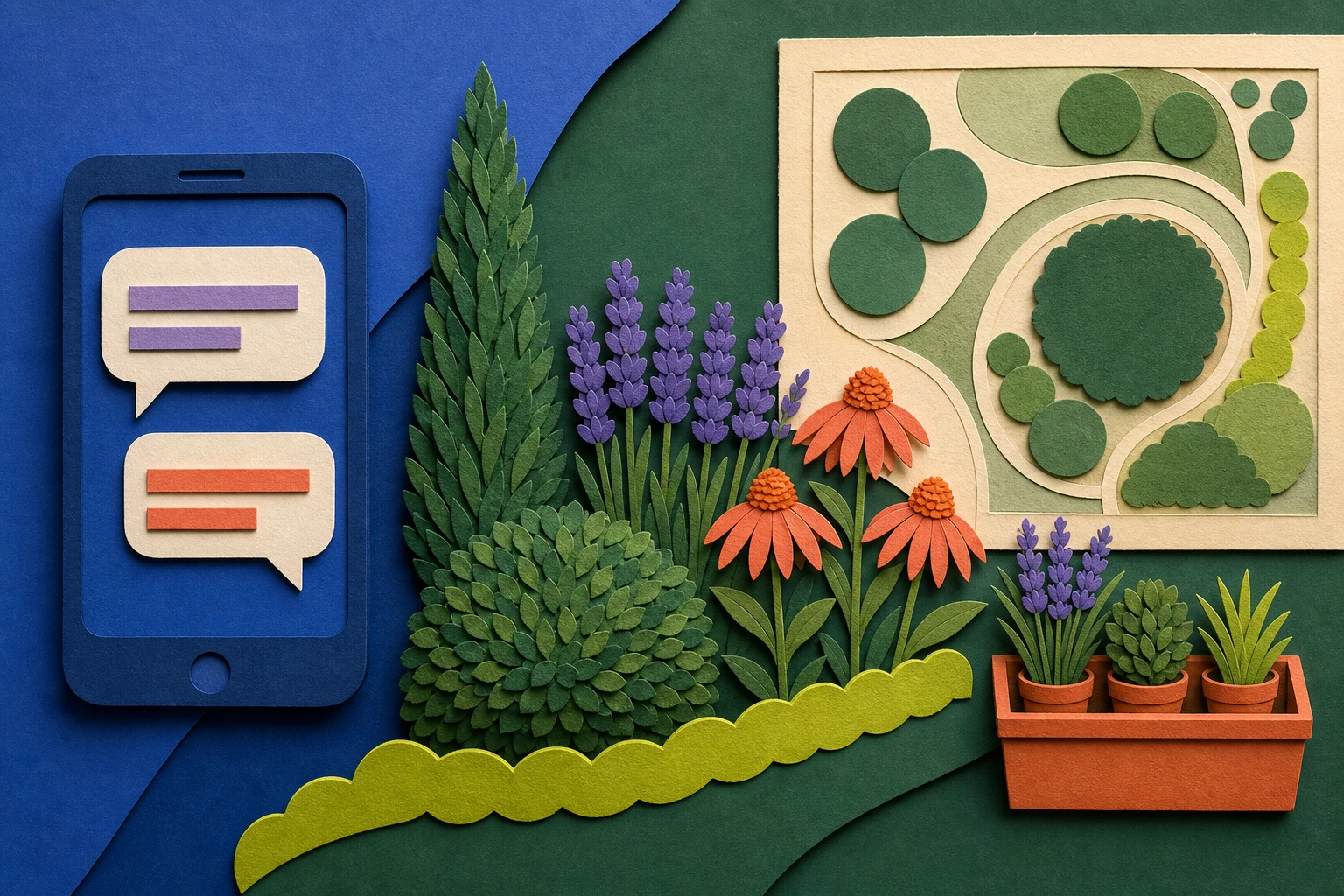
ChatGPT is a strong brainstorming partner for planting. Give it your growing zone, the bed's sun, and a look you like, and it can draft a plant list, group plants by role, suggest a bloom sequence, or explain an unfamiliar term. Ask it to swap a pet-risk plant, keep everything below a window, or lower the water demand, and the list can evolve with you.
You can also attach a yard photo, which gives the conversation useful visual context for the bed, paths, and existing structure. That makes ChatGPT more than a blank text box, but the image still needs the site facts that a photo cannot establish on its own.7
Missing site facts become guesses
A photo helps ChatGPT read the scene, but it still needs your zone, sun, soil, measurements, and priorities. Leave those out and a plausible answer can still be wrong for your yard.
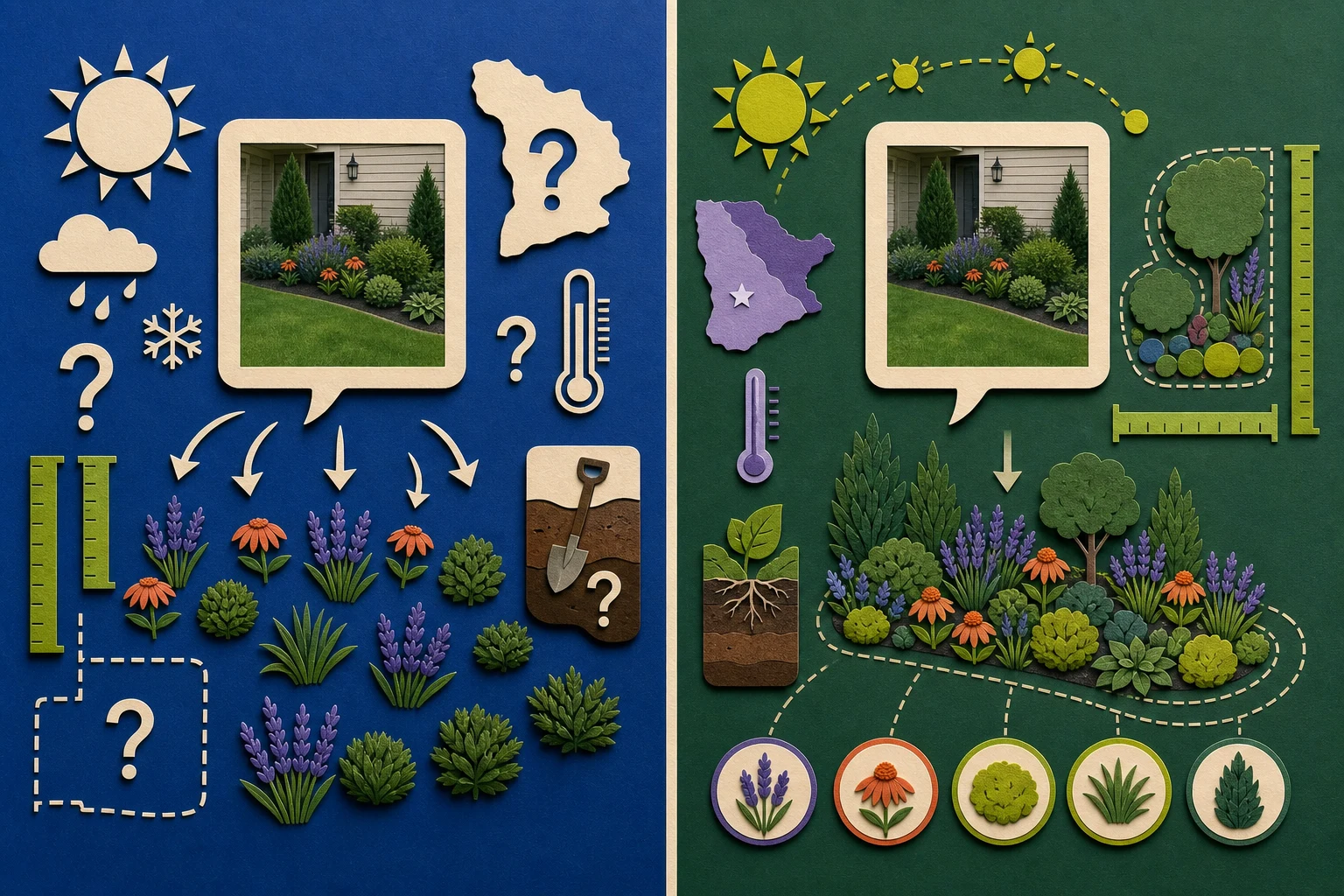
- Photo without context
- Plan with site facts
ChatGPT can inspect an image you attach, but it does not know your hardiness zone unless you state it, cannot reliably measure a bed from one photo, and cannot tell whether a strip gets six hours of sun or two. Ask it to design my garden with no site facts and you can still get a plausible list that does not fit where you live.7,3,4
It can also be confidently wrong. A language model can suggest a plant that is invasive in your state, misstate a mature size, or recommend the wrong plant for your conditions without flagging the risk. Extension reviewers testing AI garden tools found the same pattern: useful concepts, but results that still need checking against real site conditions.2
A safer AI garden workflow
- 1Attach the yard photo and point out the exact bed or area you want to change.
- 2Add your location, zone, sun hours, soil, rough dimensions, and non-negotiables.
- 3Ask for plant roles and a reason each suggestion fits the site.
- 4Check zone, mature size, invasive status, pet safety, and local availability before buying.
Build the prompt in three passes
A useful prompt does not need to be long. Give the model the site, the outcome, and the format you want back.
- 1
Pass 1
Site facts
Zone, sun, soil, shape, clearances
- 2
Pass 2
Outcome and limits
The job, the look, and deal-breakers
- 3
Pass 3
Answer format
Roles, mature sizes, reasons, unknowns
Result
A garden brief you can check
It is specific enough to refine and verify locally.
What to include in each pass
Describe the site: Include location or zone, direct sun, soil, the bed's rough shape, and what must stay clear.
Example: Denver, zone 5b; about seven hours of sun; heavy clay; front bed below a window
Name the outcome and limits: Say what the bed should do and what would make a suggestion unusable.
Example: Lower water, dog-safe, mostly below the window, with flowers from spring into fall
Ask for a checkable answer: Request a role-based palette, reasons, mature sizes, bloom timing, and uncertainties to verify locally.
Example: Group plants by role and flag anything that needs a local nursery or extension check
The prompt should make a weak suggestion easy to spot. If the answer cannot explain why a plant fits the site, it is still only a brainstorm.
When ChatGPT is enough, and when it is not
ChatGPT can help you explore ideas and picture a redesigned yard. Gardenful is a good fit when you want help choosing the planting without writing the brief yourself. For construction, bring in a professional.
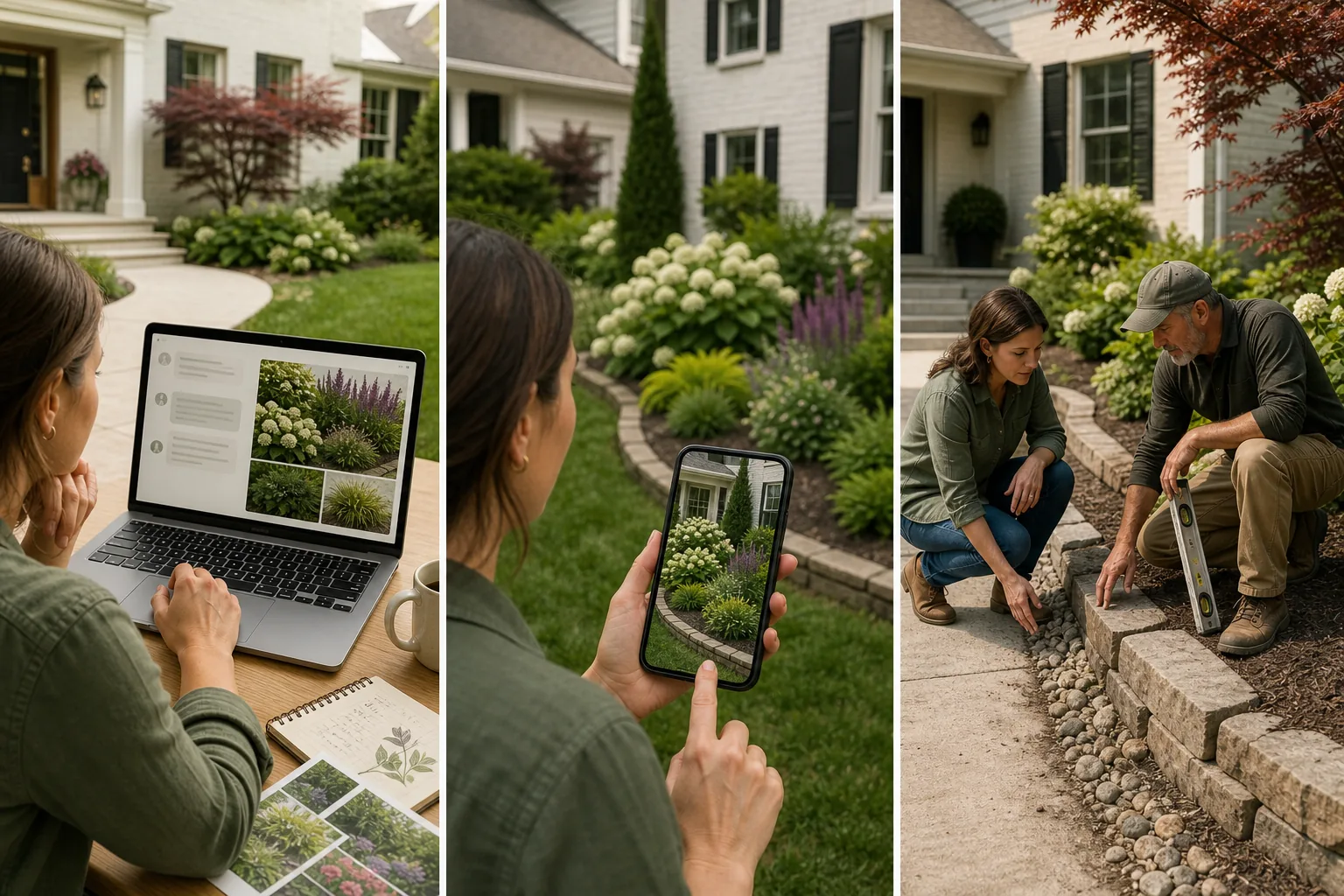
Use ChatGPT to develop the idea in conversation
Explore styles, request a photo redesign, compare plants, and revise the result in words. It can be enough if you are comfortable supplying site details and checking what changed.
Use Gardenful when you want help choosing the planting
You don't need to know which plants to choose or how to write a garden-design prompt. Add your yard photo, mark the area and tell Gardenful what you like. It creates a realistic planting design with suggested plants and quantities, so you can picture the change and know what to look for.
Use a professional for construction
Grading, drainage, retaining walls, and permits are not chatbot or app work. Bring in a landscape designer or contractor for anything you build rather than plant.
Check any AI plant list before you buy
Whether the list came from ChatGPT, an app, or a blog, pass it through three gates before it becomes a shopping list.
Site fit: Confirm zone, real sun, soil moisture, and mature height and spread for the exact plant or variety.
Local and household safety: Check current invasive guidance and pet safety, then ask a local nursery or extension source what performs nearby.
Plan fit: Make sure each plant has a clear role, fits the available mature space, and can be substituted without breaking the design.
AI narrows the field fast. Local verification is what turns a shortlist into plants that live.
Frequently asked questions
Can ChatGPT design my garden?
It can draft a design, and a good one if you attach a yard photo and give it your zone, sun, soil, bed size, and goals. It cannot confirm local plant fit or guarantee survival, so use its answer as a starting list you verify against your site and a local nursery.
What should I tell ChatGPT to get good plant suggestions?
Give it your growing zone or city, how many hours of sun the bed gets, your soil type, the bed's rough size, and your goals, such as low water or pet-safe. Then ask for plants grouped by role with a reason for each. That brief is the difference between a viable list and a generic one.
Can ChatGPT show me what my garden will look like?
You can attach a yard photo and ask ChatGPT to discuss or visualize ideas from it. Treat that image as a concept, not proof that the suggested plants fit your zone, sun, soil, mature space, or local availability. A guided garden-design flow is useful when you want those site questions, the marked project area, and a plant plan handled together.
Are ChatGPT's plant recommendations reliable?
Treat them as a knowledgeable first draft, not a guarantee. A language model can suggest an invasive plant, misstate a mature size, or pick the wrong plant for your zone without flagging the risk. Always check zone, sun, soil, mature size, invasive status, and local availability before buying.
Is Gardenful better than ChatGPT for garden design?
Choose Gardenful if you want a realistic design for your own yard without figuring out the planting or writing a detailed prompt. It guides you through your preferences and gives you suggested plants and quantities. Choose ChatGPT if you enjoy developing ideas through conversation; it can generate garden visuals too. Check either plant list against your growing conditions before buying.
 Gardenful
Skip the prompt engineering. Design on your real yard.
Photograph the space, mark what can change, and get a planting design with a nursery-ready list, without having to know the right questions to ask first.
Gardenful for iPhone
Download the app free and start with a photo of your yard.

Sources(7)
- [1]
- [2]
- [3]USDA Plant Hardiness Zone Map
USDA Agricultural Research Servicehttps://planthardiness.ars.usda.gov/
- [4]The Right Plant, Right Place
University of Florida IFAS Extensionhttps://ask.ifas.ufl.edu/publication/EP416
- [5]Gardening with Invasive Plants
USDA National Invasive Species Information Centerhttps://www.invasivespeciesinfo.gov/subject/gardening
- [6]Landscaping Tips
US EPA WaterSensehttps://www.epa.gov/watersense/landscaping-tips
- [7]