Identify a plant, then see it in your yard.
Identify a plant, save it, and use it in a yard design shaped around your space and growing conditions.

Identify a plant, then use it in a yard design.
- 1
Name what caught your eye
Use a photo to identify a plant from a walk, a nursery, or a neighbor's yard.
- 2
Understand the plant
Review photos, traits, and care guidance so you know what it is and why it might fit.
- 3
Keep what fits your taste
Save plants you like so your inspiration does not disappear into screenshots, notes, or your camera roll.
- 4
See it in your yard
Use saved plants in a garden design shaped around your yard photo, style, and climate.
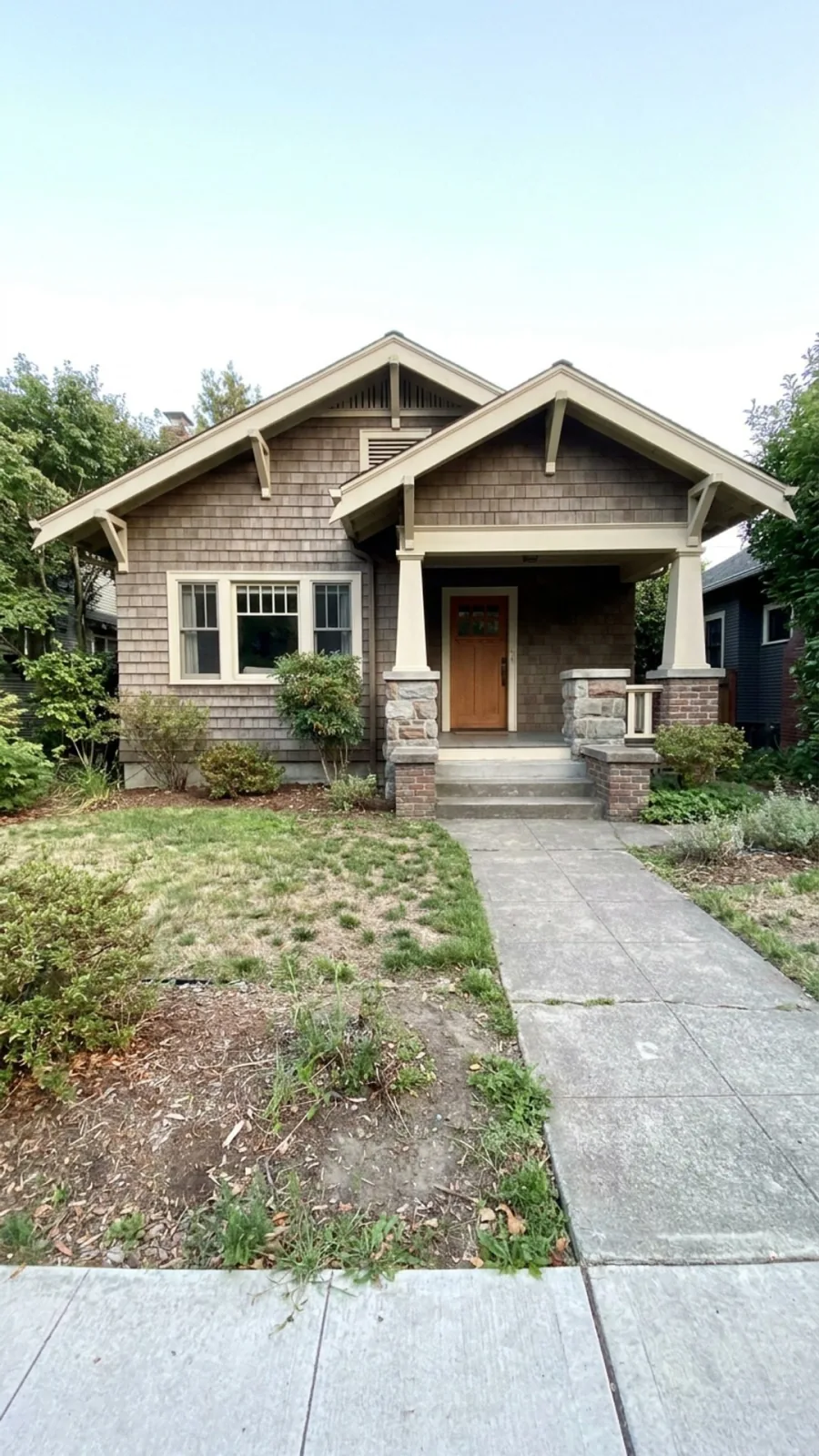
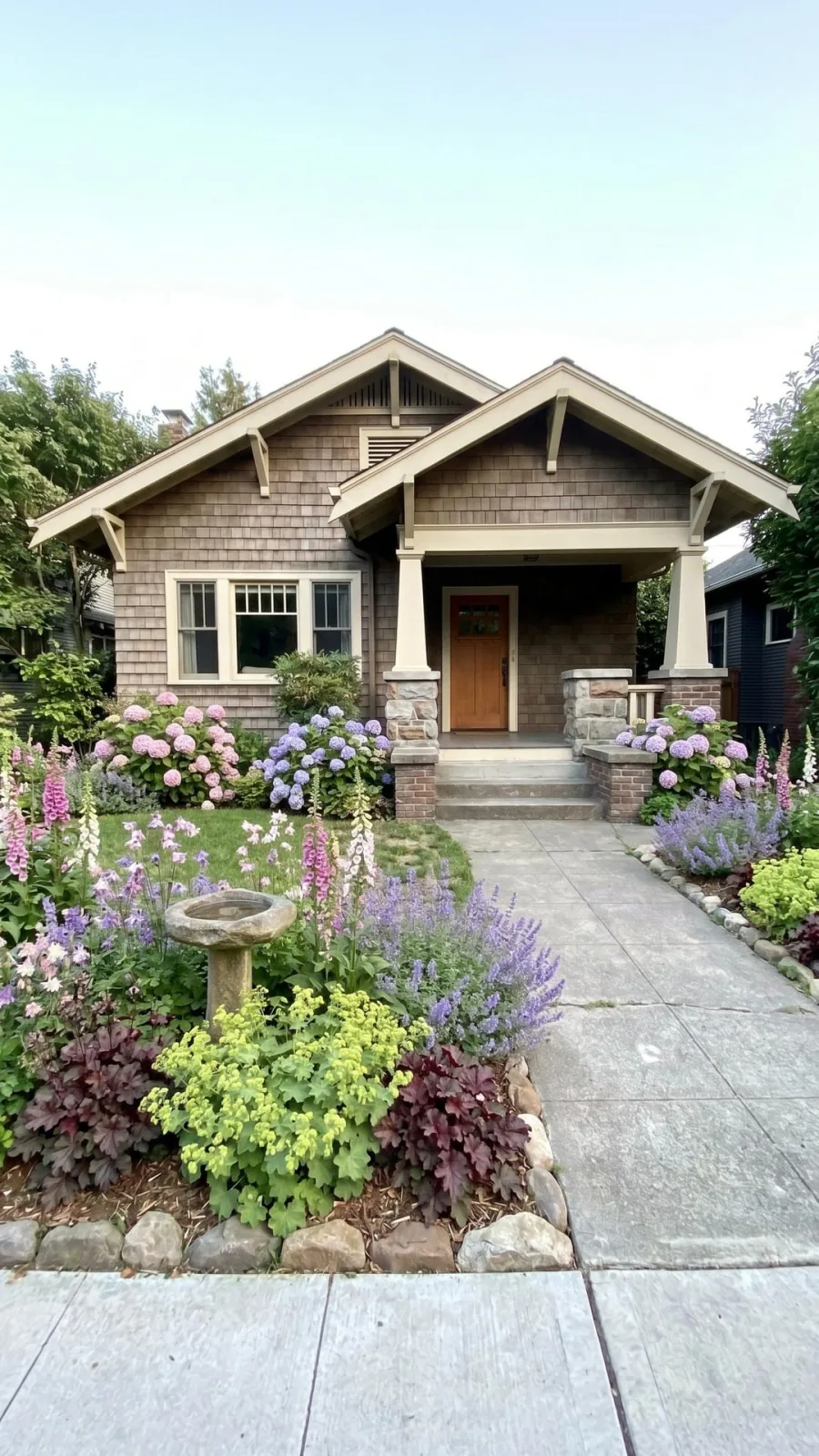
See how one saved plant can shape a front entry.
Save a hydrangea you liked on a walk, and Gardenful can build a whole entry around it, with supporting plants, quantities, and roles that fit your yard and climate.
From plant ID to garden idea
Keep planning from the plant you found.
AI garden design from a photo
See the full yard-photo workflow and the plant list that follows the visual design.
Front yard design app
Use a plant you saved while planning curb appeal, entry beds, and foundation planting.
What to plant in a front yard
Check sun, water, mature size, maintenance, and plant roles before choosing exact plants.
Garden design guides
Find practical answers for plant choices, low-maintenance yards, lawn replacement, and planting plans.
Plant ID questions
What can I do after identifying a plant?
Is Gardenful only for Plant ID?
Why use Gardenful instead of a generic plant ID app?
Is there an app where I take a picture of my yard and it tells me what to plant?
How exact is Plant ID?
 Gardenful
Ready to use a saved plant in your yard design?
Start with a plant you found, then add the yard photo and growing conditions it needs to fit.