Press and product facts
The clear, accurate way to describe Gardenful.
Verified facts, ready-to-use descriptions, official product media, and the boundaries behind our claims.

Product facts last reviewed July 22, 2026.

Recommended description
Gardenful in about 50 words
Gardenful is an iPhone app for homeowners new to gardening. Photograph your yard, mark the area to change, and get a visual planting design of your real space with climate-aware plant choices, plain-language design notes, and a nursery-ready shopping list. Free to download, with an optional Garden Pass subscription.
One line
About 160 characters
Gardenful is an iPhone app that turns a photo of your yard into a visual garden design with climate-aware plant choices and a nursery-ready plant list.
Short
About 100 characters
Turn a photo of your yard into a beautiful garden design with real plants picked for your climate.
These descriptions match the machine-readable summary at /llms.txt.
Reference
Verified product facts
Identity
- Product
- Gardenful
- App Store name
- AI Garden Design: Gardenful
- Website
- gardenful.app
Access
- Platform
- iPhone with iOS 18.0 or later
- Availability
- Free to download and try with limited free usage. Optional Garden Pass subscriptions provide additional usage.
- Contact
- support@gardenful.app
Built for: homeowners and beginner gardeners who want a clearer way to plan what to plant and where to begin.
Product workflow
From yard photo to a useful next step
Gardenful helps someone move from an open-ended yard problem to a specific planting direction they can review and refine.
- 01
Start with the real yard
Take or upload a photo, select the project area, and add useful site details.
- 02
Set a direction
Share plants and garden styles you like, then generate a planting-led visual concept for that space.
- 03
Plan the next conversation
Review plant roles, suggested quantities, and design notes before refining the direction or visiting a local nursery.
Approved brand files
Official media
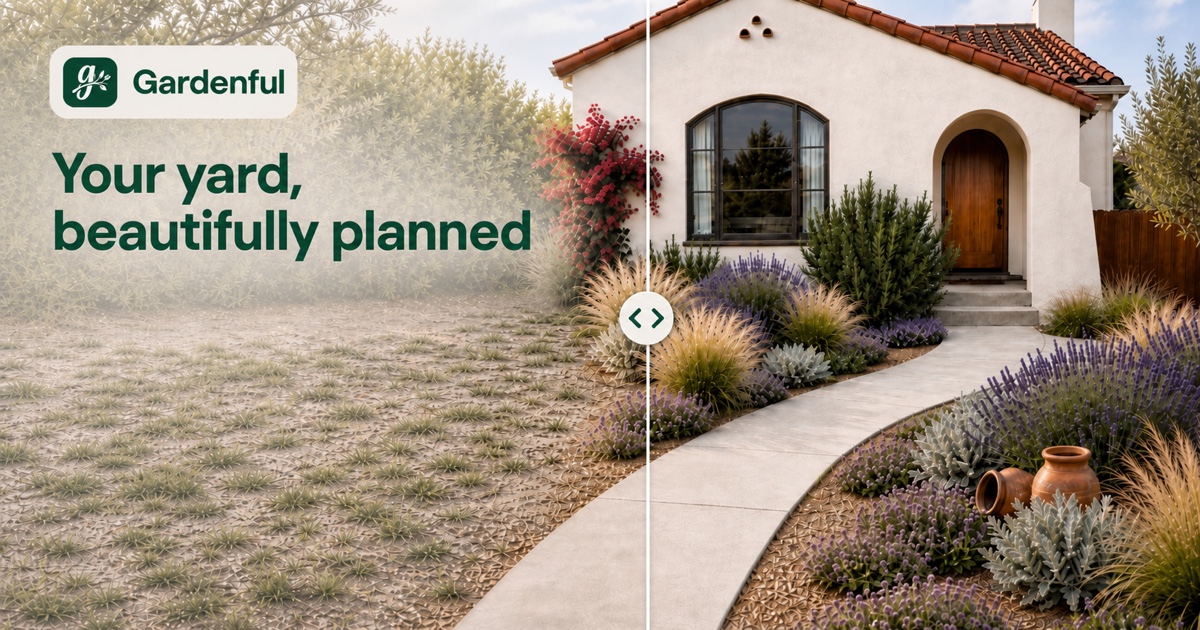
Use these files for brand identification and social previews. For a story that needs a specific product screen or workflow, contact us for a current, context-appropriate asset.

Official Gardenful profiles
Find Gardenful's official app listing, company profiles, and social channels.
Important boundaries
Gardenful provides visual planning guidance and plant ideas. It does not replace local checks for soil, drainage, utilities, pets, restrictions, planting timing, or mature plant size.
Climate-aware suggestions are a starting point for refinement, not a guarantee that every plant will fit every microclimate or nursery inventory.
Editorial method
Garden guides use directly linked sources such as university extension programs, public gardens, water agencies, and government guidance. Product claims are checked against the current shipped app and App Store listing.
Read the editorial standardPress contact
Need an interview, review access, or another format?
Email the Gardenful team for product questions or additional approved media.