Free app comparison
Best free AI landscape design apps in 2026
The short answer
Start with Gardenful if you want a free first yard design with suggested plants and quantities. Neighborbrite offers a free way to explore photo designs in a browser, while Gardenly gives you a first style image. Compare the free allowance and what you can save below, so you know what you're trying before you pay.
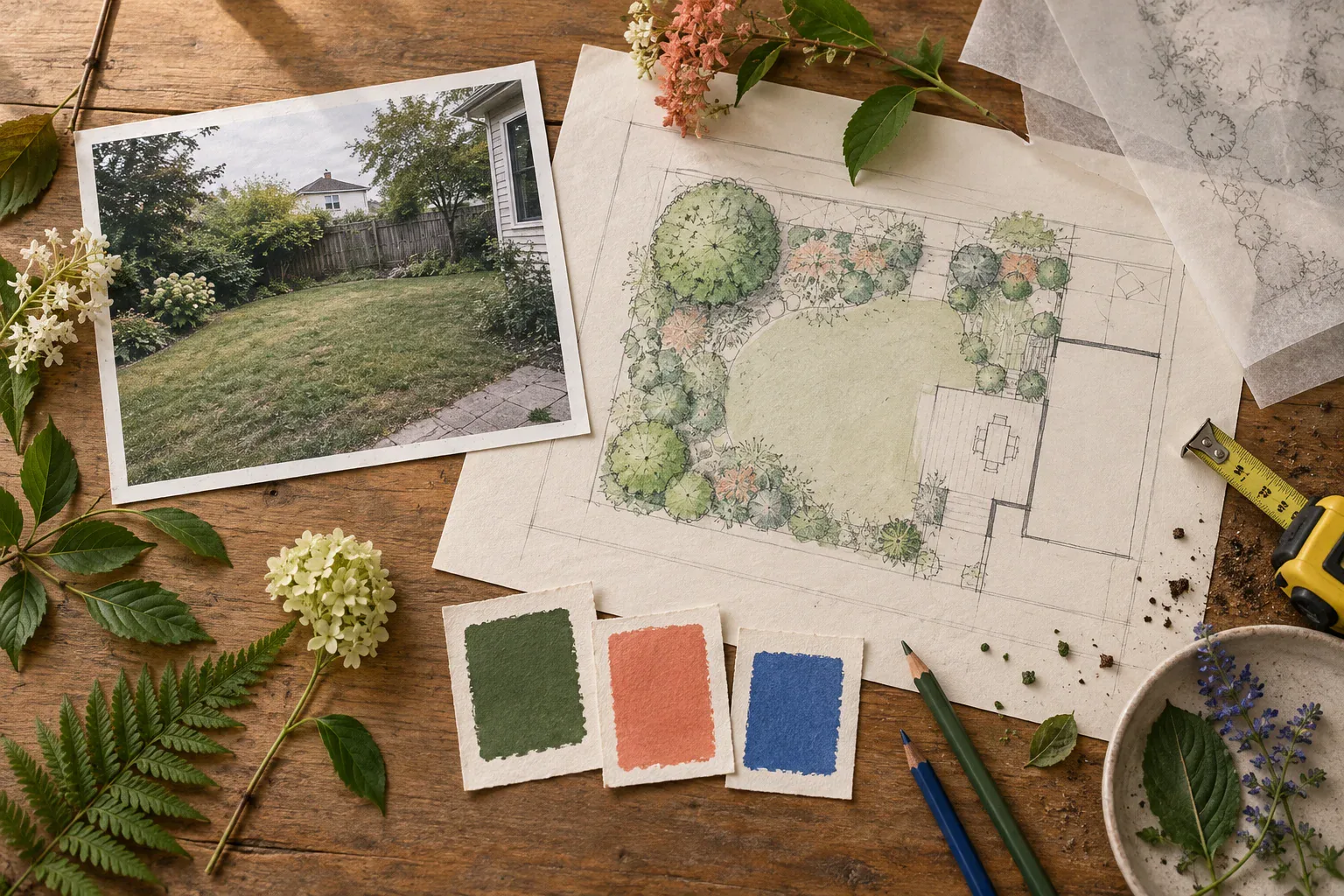
The best free starting points, compared
Gardenful publishes this comparison and is included below. The table separates a free first design from a free download or a planning preview.
| Option | App icon | Tool | Free starting point | What you get |
|---|---|---|---|---|
| #1 |  | Free starting point A realistic yard design with suggested plants and quantities. | What you get A yard design with suggested plants, quantities and notes. Free limits: iPhone, iOS 18+. Free to try; US Garden Pass: $7.99/week or $49.99/year. | |
| #2 |  | Free starting point Start free on the web or iPhone. | What you get Style ideas from your yard photo, plus advertised plant tools. Free limits: Free to start; generation limits and paid plant/editing features vary by plan. | |
| #3 |  | Free starting point One free style-based render on iOS or Android. | What you get A style preview on your yard photo. This is the mobile app at ai-garden.app. Free limits: First design free; then a subscription. No planting list or soil/climate assessment. Check your store's price. |
Sources: Apple App Store, Neighborbrite, Apple App Store, Gardenly, Apple App Store
What counts as free in this guide?
The free picks offer a first design or limited generations at no cost. Compare what you can create and save before deciding whether to pay.
Try the bed, patio edge or bare corner you actually want to change. One realistic project tells you more about an app than an elaborate sample makeover.
Gardenly lets you save a full-size image, but its site doesn’t say whether free images have a watermark. Check the download options before spending time on edits.
Use the result to choose a direction; check suggested plants against your actual bed before buying.10,9
Choose the free tool by what you need next
Try your own yard photo, then look for a design you like and enough detail to take the next step. A plant list helps if you're ready to shop; editing controls matter if you want to arrange the layout yourself.
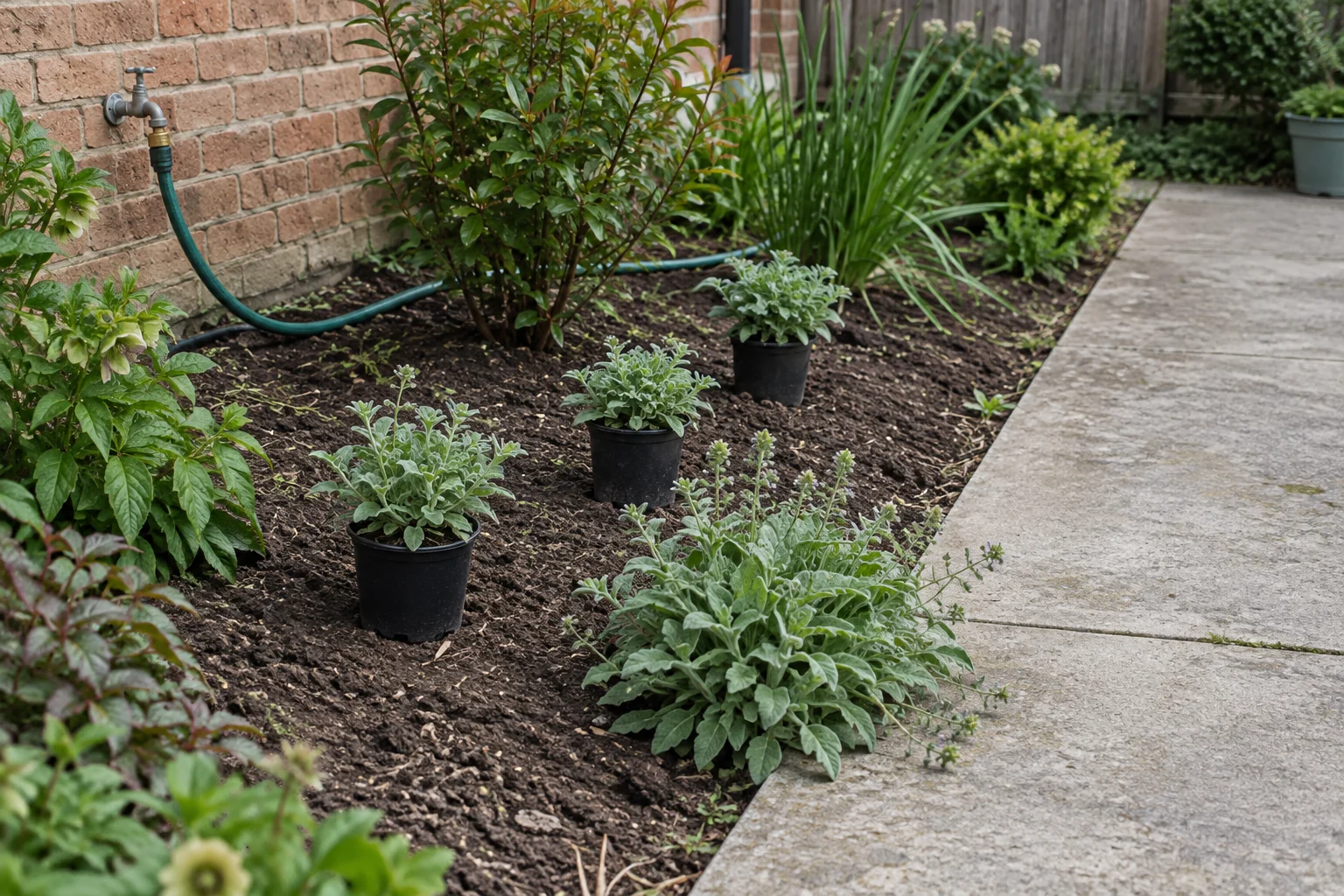
You want plant ideas to take to a nursery
Start with Gardenful
Try Gardenful to see a realistic design for your yard with plant names and suggested quantities. You can picture the planting before buying and take the list to a nursery to discuss suitable choices.
You want quick visual options in a browser
Start with Neighborbrite
Gardenful currently requires an iPhone. Neighborbrite offers browser access for photo-based style exploration; its free limits and paid features depend on the plan.
You want a quick style idea on your phone
Start with Gardenly
Gardenly turns your photo and style choice into an image. You’ll need to choose the plants yourself.
Keep any generated image as a visual brief; construction and grading need separate professional plans.
Sources: Apple App Store, Neighborbrite, Gardenly, Hadaa, Hadaa, University of Florida IFAS Extension
Turn your first design into a project you can start
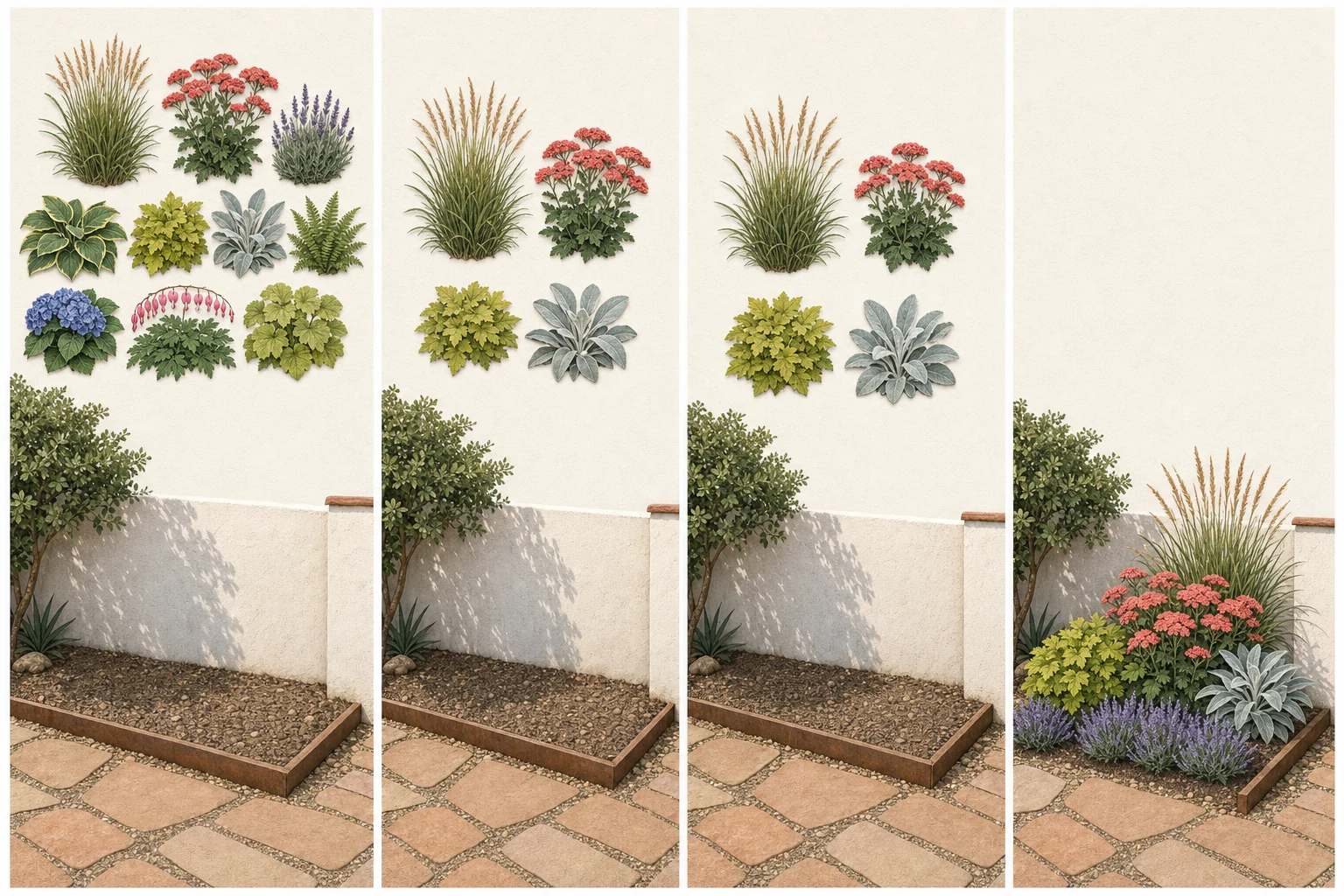
Save the look you like and choose one bed to work on first. Before buying plants, use these checks to make sure the idea fits the space.
- 1
Save the original photo and the output together
If the tool changes the house, path, grade, or mature tree, you need the original view beside it to notice the drift.
- 2
Write down the design job
Name the problem the output should solve: frame the entry, soften a fence, make a patio feel planted, or reduce the blank lawn.
- 3
Verify the plants by mature size and site
Check sun, moisture, soil, mature spread, local status, pet concerns, and availability before buying.
- 4
Price one small area
Use the result to estimate one bed or route first. A smaller complete phase teaches you more than an entire yard of unpriced ideas.
Start with a bed you can finish. Check the plant sizes, price the list and decide what fits your budget before buying.
Frequently asked questions
What is the best free AI landscape design app?
Gardenful is our pick for an iPhone homeowner who wants a free first design with plant suggestions and quantities. The table also compares browser access and style-only previews so you can see what each free offer includes.
Are free AI landscape design apps really free?
Usually only for a limited action: one design, a few credits, a preview, or a low-resolution result. Check whether the free tier includes downloads, plant information, revisions, or only the first image.
Can a free AI design tell me exactly what to plant?
Gardenful includes suggested plant names and quantities with the design. Use the list to ask a nursery about suitable choices, checking your bed's light, soil and space for mature plants before buying.
Do I need an iPhone?
No. Neighborbrite works in a browser, and Gardenly advertises iOS and Android support. Gardenful is currently an iPhone app requiring iOS 18 or later.
Should I use a free AI design before hiring a landscape designer?
It can help you clarify the use, mood, and planting idea you want to discuss. It does not replace a measured plan, drainage or grading advice, construction documents, or local installation judgment.
GardenfulSee what your yard could look like. Try your first design free.
Add your yard photo and tell Gardenful what you like. Get a realistic planting design and suggested plants, without having to choose every plant yourself.
Gardenful for iPhone
Download the app free and start with a photo of your yard.

Current product sources(10)
Initial free-offer research was completed September 11, 2026; later checks are dated below. App Store rating counts remain the September 10 snapshot. Confirm the offer in your region before paying.
- [1]
- [2]Neighborbrite
Neighborbritehttps://neighborbrite.com/
- [3]
- [4]
- [5]
- [6]
- [7]
- [8]
- [9]Drawing a Landscape Plan: The Base Map
University of Florida IFAS Extensionhttps://ask.ifas.ufl.edu/publication/EP456
- [10]Right Plant, Right Place
University of Florida IFAS Extensionhttps://ask.ifas.ufl.edu/publication/EP416