iPhone app comparison
Best garden design apps for iPhone in 2026
The short answer
Choose Gardenful if you want to see realistic planting in your own yard without knowing which plants to choose. It pairs the design with plant names and suggested quantities. Choose iScape for hands-on layout and AR placement, or Neighborbrite for access across iPhone and a browser. Compare all six below.
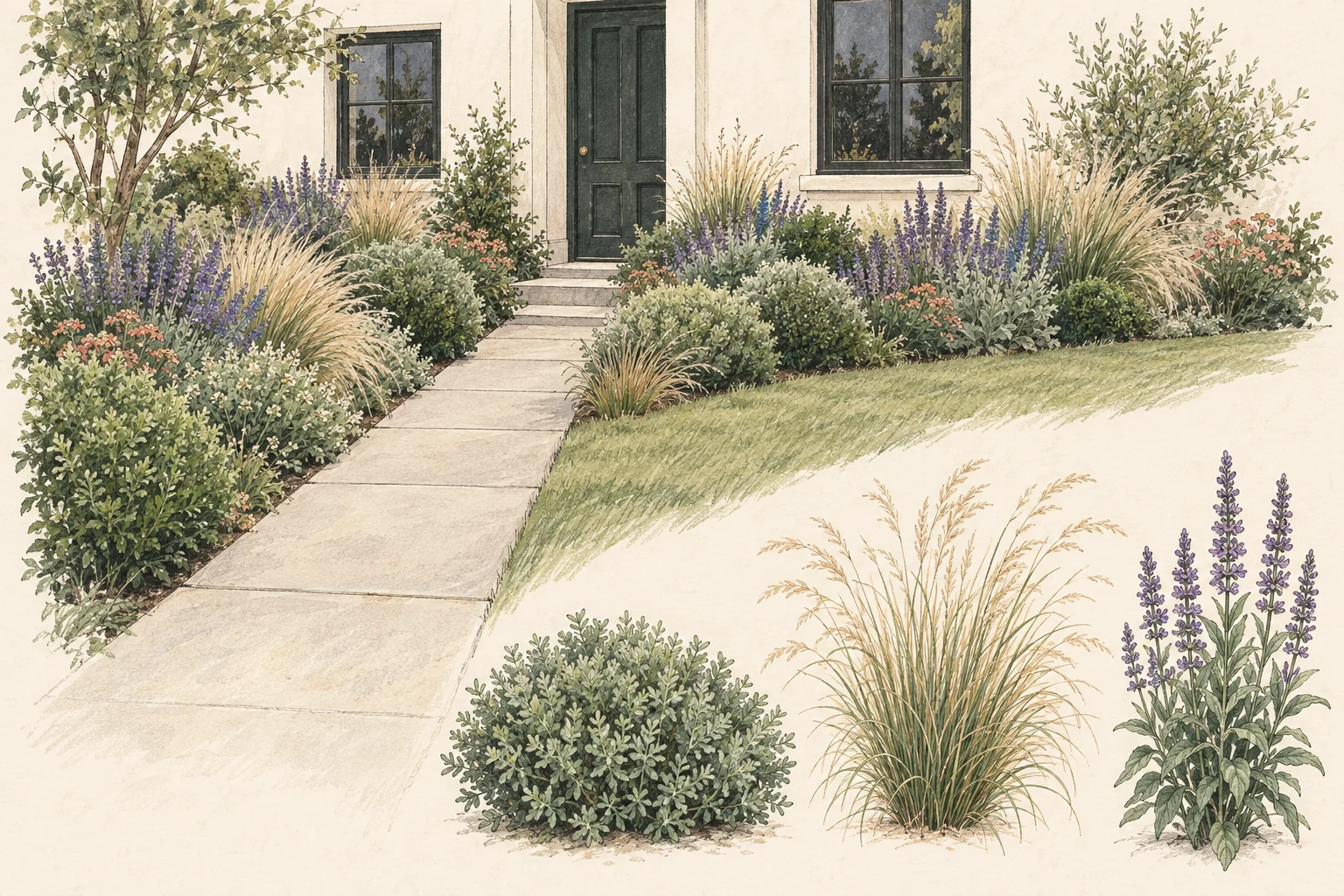
iPhone garden design apps compared
Gardenful publishes this comparison and is included below. Choose between help creating the design and tools for arranging it yourself.
| Option | App icon | App | Best for | What it does |
|---|---|---|---|---|
| #1 |  | Best for Beginners who want a realistic yard design without knowing plant names. | What it does Visual design, named plants, roles, suggested quantities, and notes. Cost and limits: iPhone, iOS 18+. Free to try; US Garden Pass: $7.99/week or $49.99/year. | |
| #2 |  | Best for Manual control, AR, and professional proposals. | What it does Place plants, hardscape, and objects on your own photo or canvas. Cost and limits: Limited free use; Pro: $29.99/month or $299.99/year. Features vary by device. | |
| #3 |  | Best for Fast AI concepts with browser and iPhone access. | What it does Photo transformations, edits and advertised plant-finder and plant-list tools. Cost and limits: Free to start; generation limits and paid plant/editing features vary by plan. | |
| #4 |  | Best for AI ideas plus 2D editing, plant library, and AR on iOS. | What it does Photo concepts, chat refinement, 2D editor, 3D AR mode, and 2,000-plus plants. Cost and limits: $19.99/month or $199/year. Separate web and mobile plans; AR is iOS-only. | |
| #5 |  | Best for Exterior ideas alongside broader home redesign. | What it does Fast AI visualizations for rooms, exteriors, and gardens. Cost and limits: Website Pro lists garden design at $349/year. iPhone offers differ; check the in-app price and included tools. | |
| #6 |  | Best for Simple photo redesigns and style experiments. | What it does AI yard renders with style choices and subscription-based access. Cost and limits: First design free; then a subscription. No planting list or soil/climate assessment. Check your store's price. |
Sources: Apple App Store, Apple App Store, Apple App Store, Apple App Store, Apple App Store, Apple App Store, iScape, Neighborbrite, DreamzAR, Remodel AI, Gardenly
Choose what you want the app to help you do
Do you want the app to suggest a new look, let you place each plant, or help you work out what to buy? Start there: these apps do different jobs.
If you're unsure what would look good in a bed, look for an app that suggests both a design and the plants. If you already have a plant list and enjoy arranging it, manual control and AR may matter more.
Compare five questions: does the app use your actual yard photo, can you control the placement, does it identify or recommend plants, can you export or share the result, and what does the free tier let you learn?1,4,5,8
Pick the app by the job you need done
Start with the part you'd like help with: choosing a look, deciding what to plant or arranging the layout.
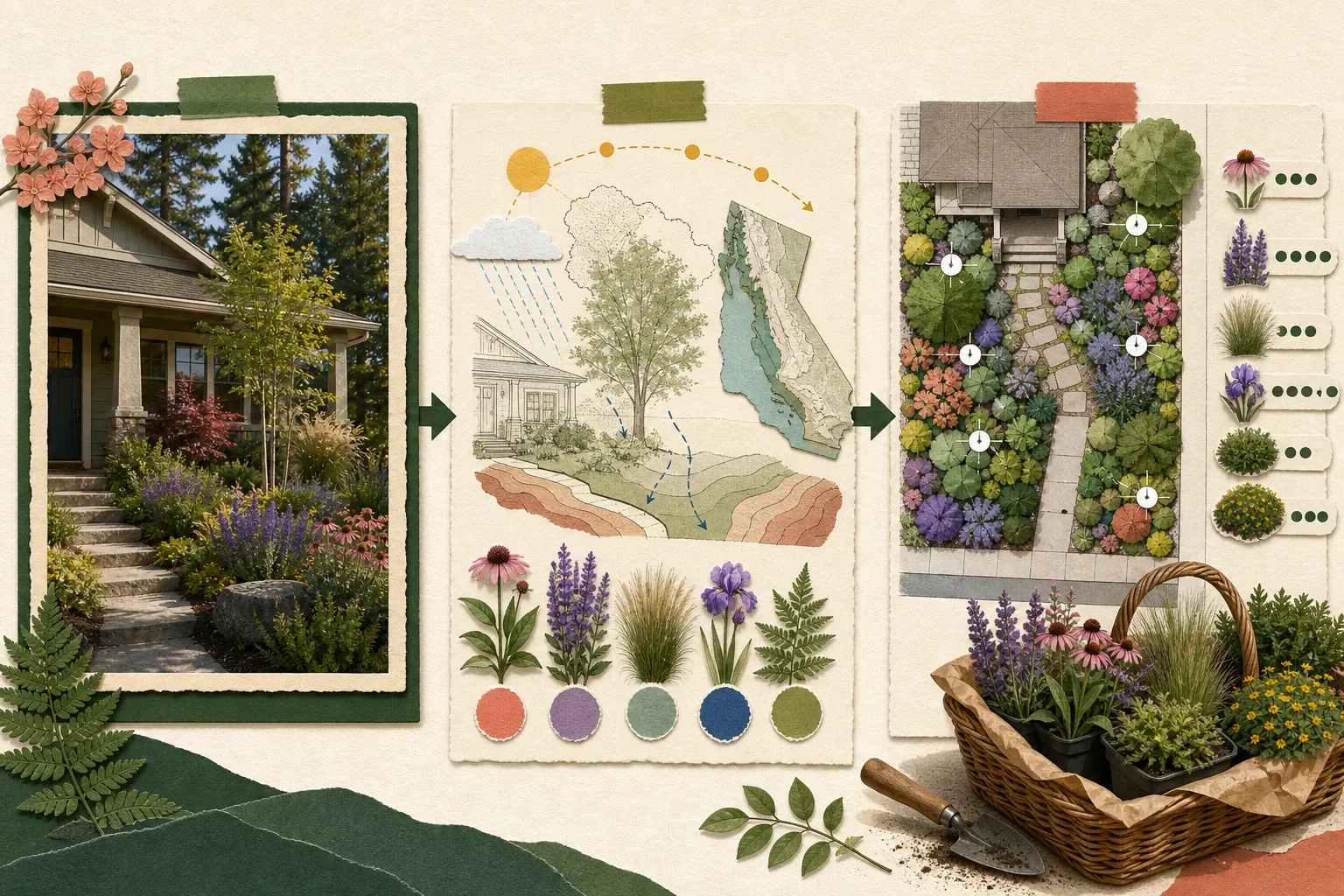
Choose Gardenful for help with the design and plants
Best for beginners choosing plants
You don't need to know which plants belong together. Add your yard photo and preferences to see a realistic design for the area you want to change, with suggested plants and quantities.
Choose iScape for hands-on placement
Best for control
Use manual placement, 2D or 3D design, and AR when you already have a shortlist of plants, products, or hardscape ideas and want to arrange them yourself.
Choose Neighborbrite for browser and iPhone access
Cross-device exploration
Neighborbrite offers photo-based concepts on the web and iPhone, with editing and plant tools that vary by plan.
Choose DreamzAR for a broader editor
Best for an all-in-one experiment
Use AI concepts, chat refinement, a 2D editor, and AR when you want one app to cover inspiration and more manual planning.
The app does not decide whether a tree clears a window, a path remains accessible, or a plant suits your soil. Keep those checks outside the visualization.
Sources: Apple App Store, iScape, Neighborbrite, DreamzAR, University of Florida IFAS Extension
From your yard photo to plants you can look for
These Gardenful screens show how an empty bed becomes a design you can picture at home, with plants to help you create the look.
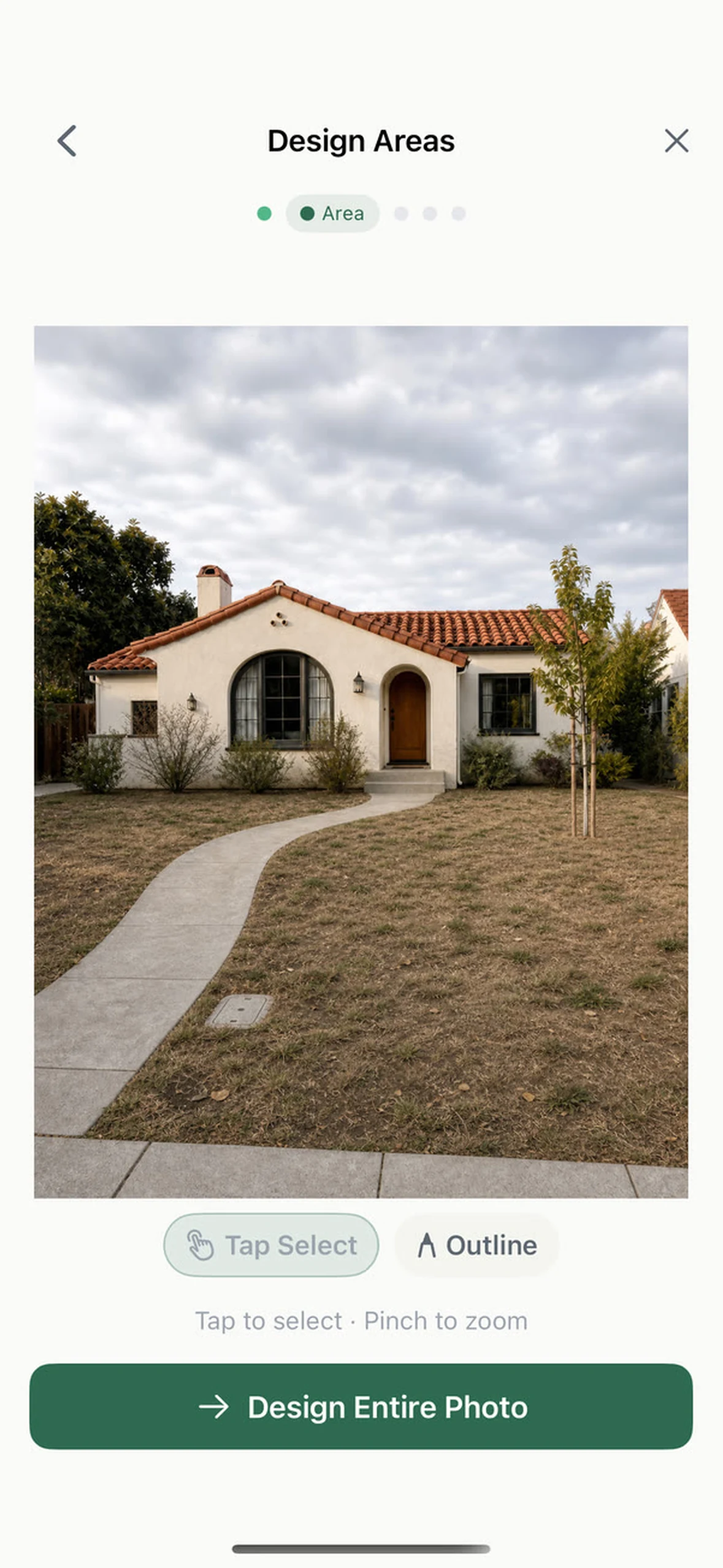
Choose the part of the yard that should change
Start with one bed or corner so you can picture a change you could actually make.
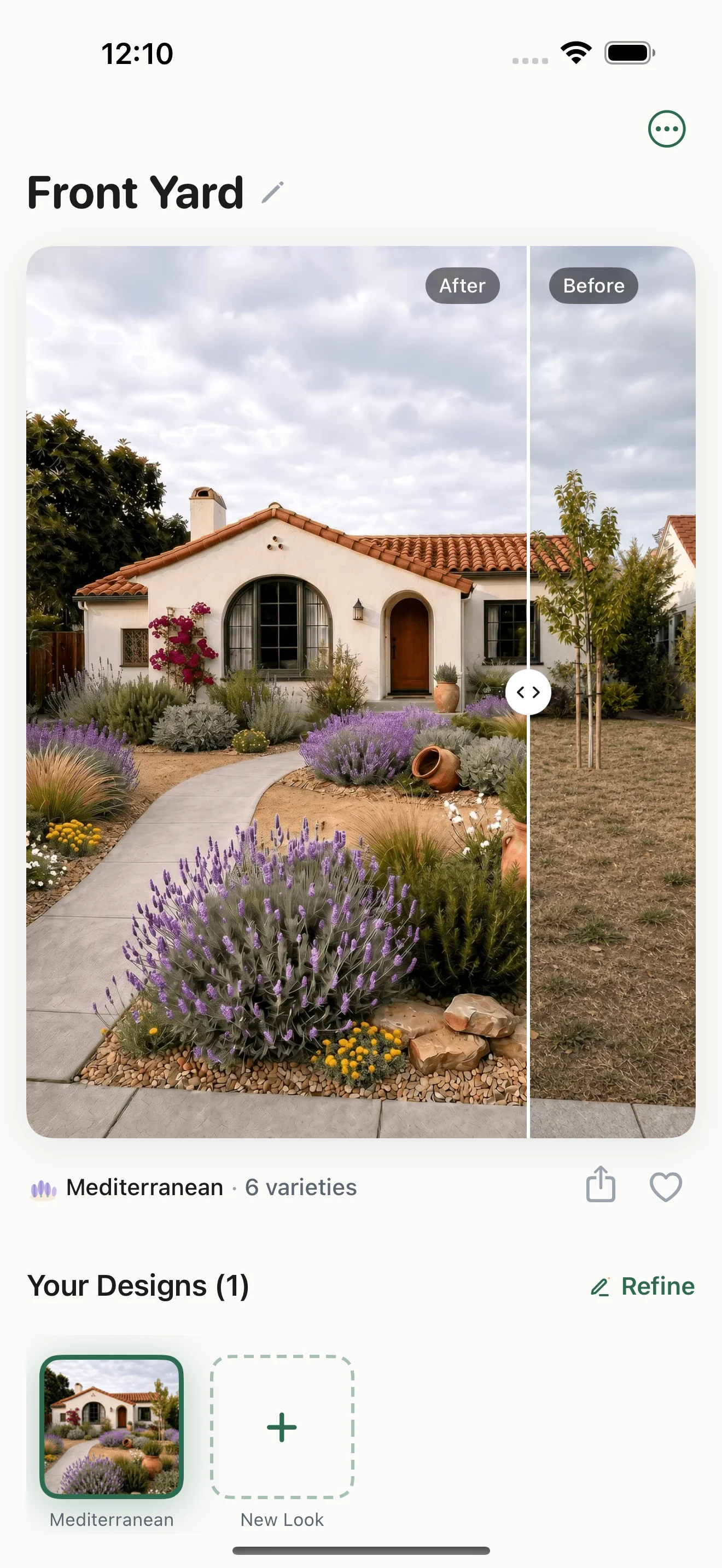
See the planting in your own yard
Compare the new planting with your original photo, so you can see how it looks beside your house, path and entrance.
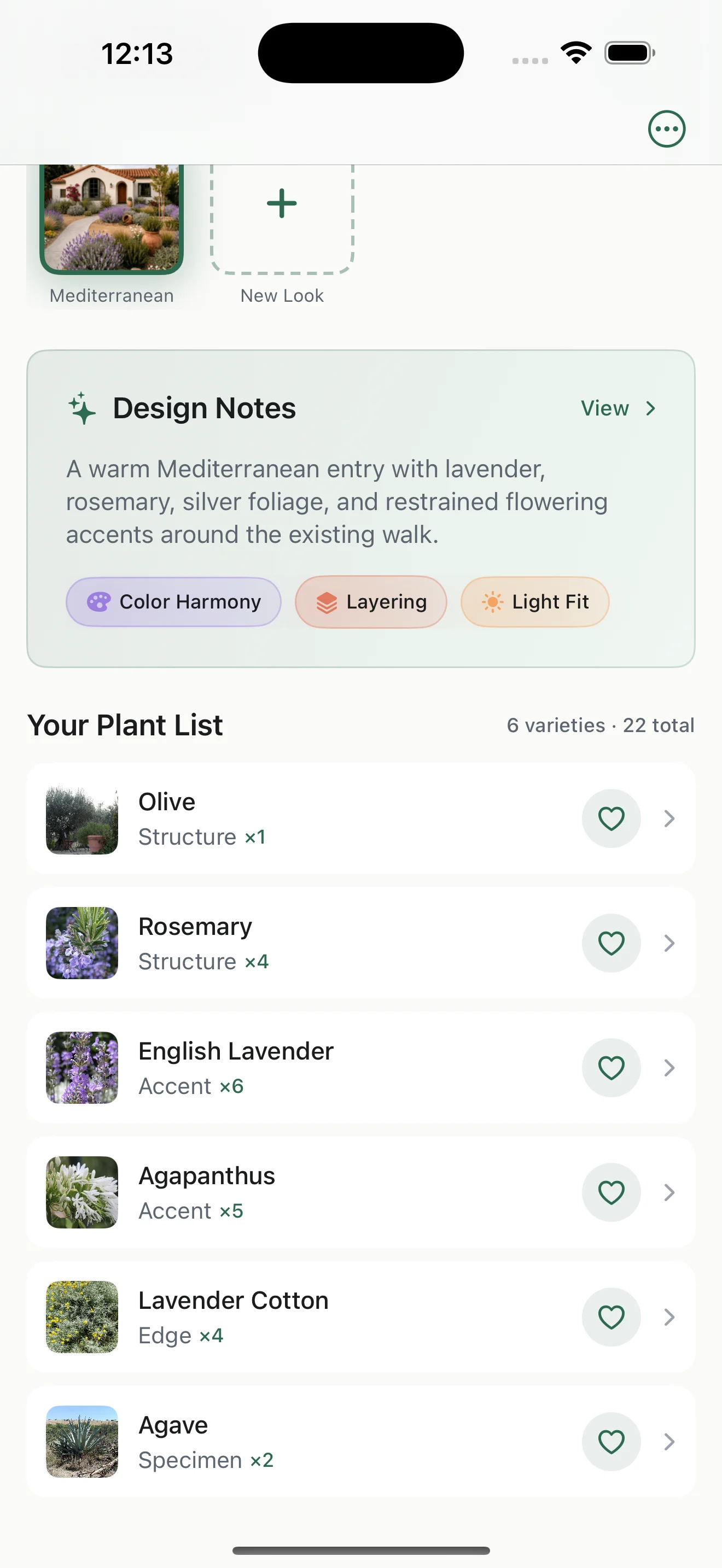
Open the plant list
Plant names, photos and suggested quantities give you a shortlist to discuss at the nursery. Check local fit before buying.
You can start with the look you like, even if you don't know the plants. Gardenful helps connect the picture to planting choices.
Run a fair ten-minute test
You do not need a lab benchmark to learn whether an app fits your project. Give each candidate the same small task.
- 1
Use one honest photo
Keep the house, path, mature tree, fence, and the area you want to change in frame.
- 2
Ask for one clear job
For example: make the entry feel planted without blocking the window or narrowing the walk.
- 3
Record the first useful output
Write down what the app produced, how much control you had, and whether the result stayed recognizable.
- 4
Check what you can save or share
Can you save, share, identify, price, or research what you see? If not, label the result inspiration rather than a plan.
Frequently asked questions
What is the best garden design app for iPhone?
Gardenful is our pick if you want a realistic design for your yard and help choosing the plants. It starts with your photo and preferences, then suggests the planting and quantities. Choose iScape if placing each plant yourself or using AR is more important to you.
Which iPhone garden design app is free?
Gardenful is free to try. iScape is free to download and trial on a limited basis, while Neighborbrite, DreamzAR, Remodel AI, and Gardenly use free downloads or limited access alongside paid features. Check the current store or official pricing page before subscribing.
Can these apps create a construction-ready landscape plan?
Most consumer apps create visual concepts, editable arrangements, or planting guidance. They do not automatically replace a measured base plan, grading or drainage design, permitting, utility checks, or construction documents.
Can I use an iPhone app without knowing plant names?
Yes. Gardenful and several AI tools are designed to start from a photo and a goal. Manual apps such as iScape reward more plant knowledge because you choose and place the elements yourself.
GardenfulPicture a garden you can make your own.
Start with one bed or corner. Gardenful shows you a realistic design on your yard photo and suggests plants to help you create it. Your first design is free.
Gardenful for iPhone
Download the app free and start with a photo of your yard.

Current product sources(12)
Initial research was completed September 11, 2026, with selected details refreshed September 25 as dated below.
- [1]
- [2]Neighborbrite
Neighborbritehttps://neighborbrite.com/
- [3]
- [4]
- [5]
- [6]
- [7]
- [8]
- [9]
- [10]
- [11]
- [12]Right Plant, Right Place
University of Florida IFAS Extensionhttps://ask.ifas.ufl.edu/publication/EP416