Neighborbrite alternatives
Neighborbrite alternatives: 6 landscape design apps to try in 2026
The short answer
Try Gardenful for beautiful, realistic planting designs shaped around your yard and taste on iPhone. Choose iScape for hands-on placement or Hadaa for a one-off project packet. Neighborbrite remains worth considering for browser access and its own editing and plant tools. Compare six alternatives below.
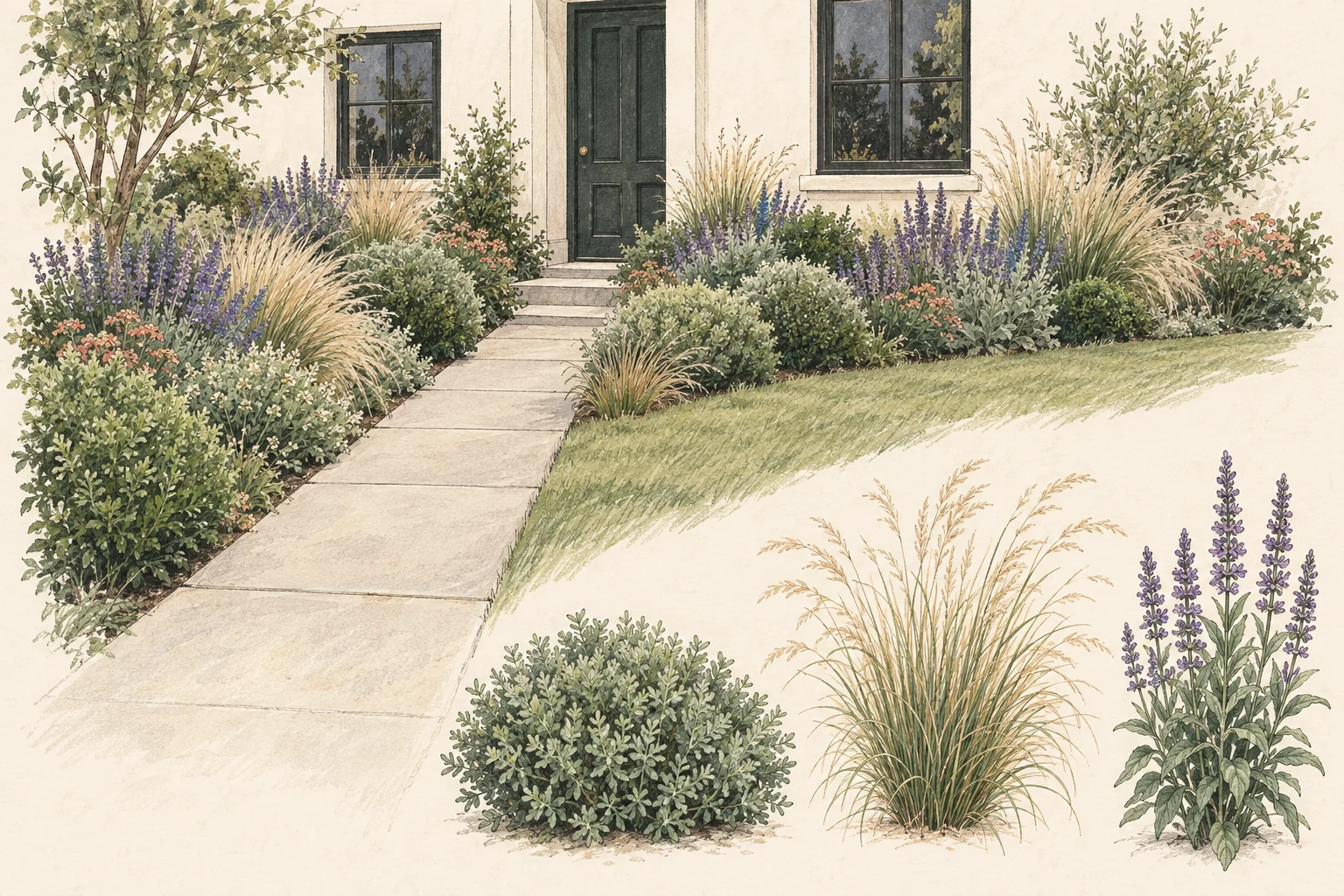
Six Neighborbrite alternatives
Gardenful publishes this comparison and is included below. Compare the look you want, the control you need and what each app gives you with the design.
| Option | App icon | Alternative | Best for | Where it differs |
|---|---|---|---|---|
| #1 |  | Best for Beautiful, realistic planting designs on your own yard photo. | Where it differs Get a design shaped around your taste and the area you want to change, with plant names and suggested quantities. iPhone only. Cost and limits: iPhone, iOS 18+. Free to try; US Garden Pass: $7.99/week or $49.99/year. | |
| #2 |  | Best for Manual composition, AR-style visualization, or professional presentation. | Where it differs More hands-on work and a different trial/subscription model; less automatic first idea. Cost and limits: Limited free use; Pro: $29.99/month or $299.99/year. Features vary by device. | |
| #3 |  | Best for AI concepts plus 2D planning, editing, and iOS AR. | Where it differs More controls can mean more learning and more decisions before the output feels finished. Cost and limits: $19.99/month or $199/year. Separate web and mobile plans; AR is iOS-only. | |
| #4 |  | Best for A quick landscape or full-exterior mood idea. | Where it differs It is a broader home-design product, so the result may offer less planting detail. Cost and limits: Website Pro lists garden design at $349/year. iPhone offers differ; check the in-app price and included tools. | |
| #5 |  | Best for A simple style preview on your phone. | Where it differs Gardenly's mobile app focuses on pictures, not planting lists. That simplicity may suit a quick idea, but leaves plant research to you. Cost and limits: First design free; then a subscription. No planting list or soil/climate assessment. Check your store's price. | |
| #6 |  | Best for A paid photorealistic design, with planting-guide and blueprint options advertised on its site. | Where it differs One-off pricing with advertised text edits, a planting guide and a blueprint. These documents still need site-specific checks. Cost and limits: $12 per project, or $9 each for 3+. Free planning preview, not a photorealistic render. |
Sources: Neighborbrite, Apple App Store, Apple App Store, iScape, Apple App Store, DreamzAR, Apple App Store, Remodel AI Studio, Apple App Store, Gardenly, Apple App Store, Hadaa, Hadaa, Remodel AI
What do you want to do differently?
If your first design didn't look like a yard you'd want to live with, try another app on the same photo. We favor Gardenful for beautiful, realistic planting that works with your yard and taste. You may also want different editing tools, a plant list or a one-off price.
Neighborbrite offers plant identification, climate- and sunlight-based suggestions, and editing tools. Its former professional design service is closed to new customers; Business and Landscaper are separate software plans.3,2,4
Neighborbrite already offers plant information and editing, so switching only makes sense if another app fits you better. Compare the design itself, how easy it is to express what you want and what you can do with the result.1,5,15,20
Use the same yard photo when trying an alternative. Keep the house, path and bed visible so you can judge the planting in the space you actually have.17,18,19
Choose what you want to do with the result
Think about the next thing you want to do: visit a nursery, move a path on screen or share an idea with a designer.
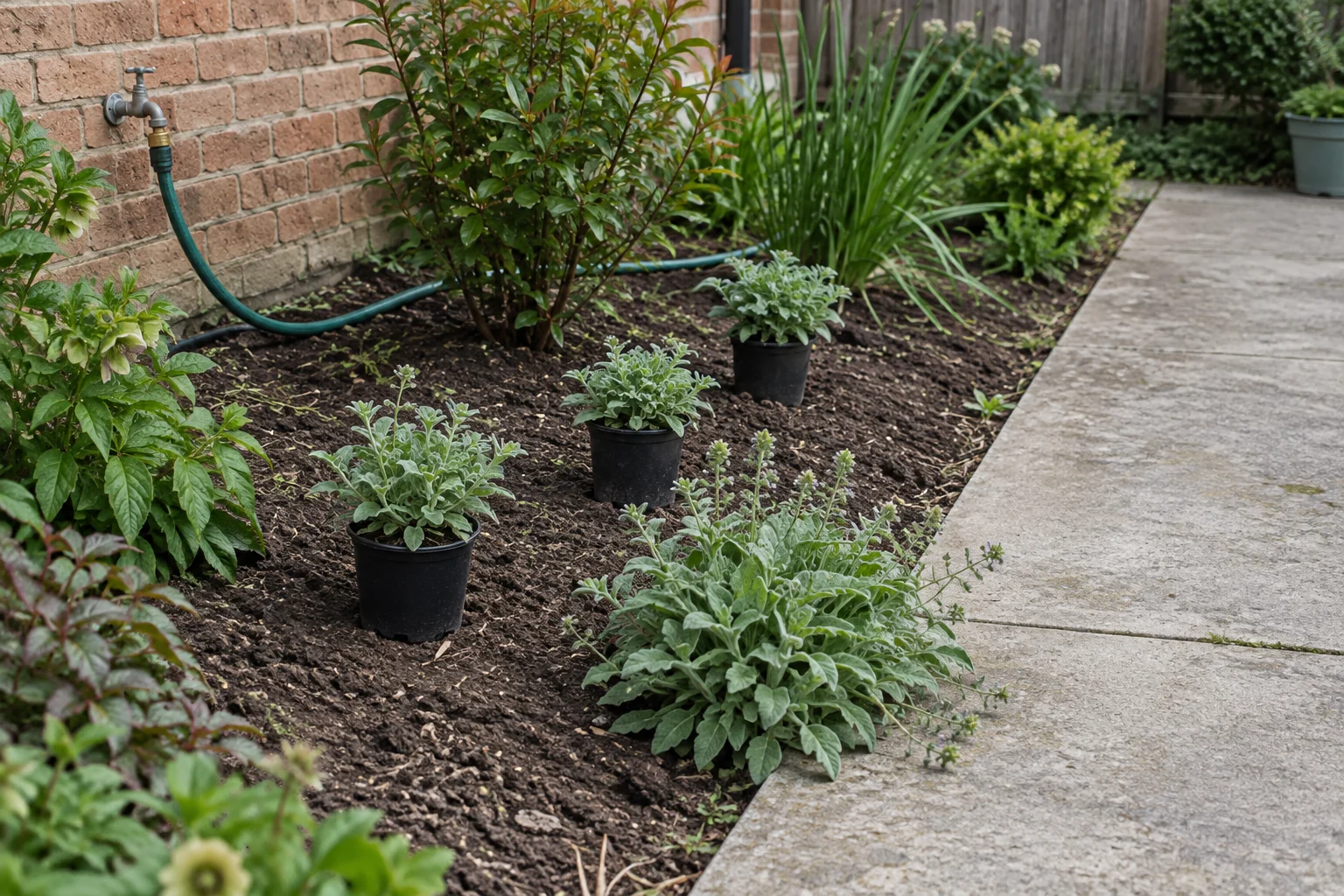
A design with plants I can look for
Gardenful: design plus a plant shortlist
Gardenful pairs a realistic yard design with plant names and suggested quantities. You can take that shortlist to a nursery and ask which choices suit your light, soil and space.
A layout I can edit by hand
iScape or DreamzAR
Use a manual editor when the design question is where the bed, path, tree, or seating area goes and you want to control each move.
A one-off paid project
Hadaa
A one-off purchase can be easier to budget than an ongoing subscription. Hadaa advertises multiple images within a paid project; check the included documents and edits.
A whole-exterior style idea
Remodel AI
Use a broader home-design generator when the yard needs to coordinate with facade, patio, or exterior materials. Keep the output at concept level.
Sources: Apple App Store, Gardenly, iScape, DreamzAR, Hadaa, Remodel AI Studio, University of Florida IFAS Extension
Keep the generated idea tied to the site
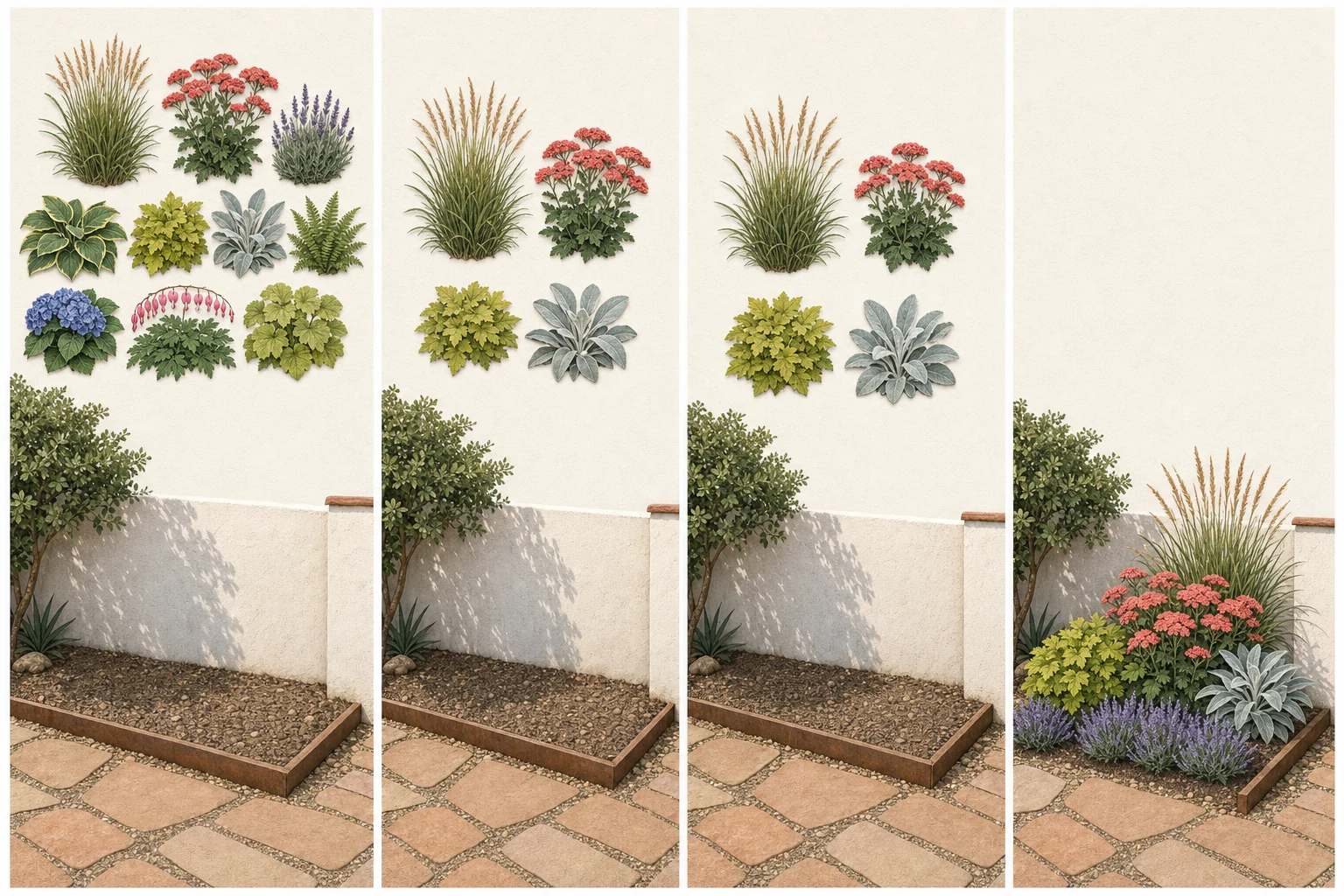
Once you've found a look you like, compare it with your original yard and check the plants before buying.
- 1
Keep fixed features visible
Do not let a generated output erase the walk, window, tree, fence, utility, grade, or access route you need to design around.
- 2
Write the design job in plain language
Name the improvement: frame the entry, soften a fence, create a seat, or reduce a blank lawn.
- 3
Check the plant list outside the app
Confirm site fit, mature spread, water needs, local status, pet concerns, and availability with reliable local sources.
- 4
Escalate technical work
Get local professional help for drainage, slopes, retaining walls, utilities, permits or construction.
Keep your original photo beside the design as you plan. Mark the planting you like and the features you need to keep.
Frequently asked questions
What is the best Neighborbrite alternative?
Gardenful is our pick for an iPhone homeowner who wants a beautiful, realistic design shaped around their yard and taste, plus suggested plants and quantities. For manual placement, compare iScape; for browser access, Neighborbrite may already meet your needs.
Is there a free Neighborbrite alternative?
Yes. Gardenful offers a free first iPhone design with suggested plants and quantities. Other offers may include a style render or a planning preview; check the free-app comparison for what each one actually includes.
Is Neighborbrite better than Gardenful?
We favor Gardenful for realistic planting detail and designs shaped by your preferences while keeping the original yard recognizable. It also brings saved plants and suggested quantities into the process. Choose Neighborbrite if browser access or its editing tools matter more to you.
Can Neighborbrite alternatives identify the right plants for my yard?
Apps including Gardenful and Neighborbrite can suggest plants for the design. Use those names as a shortlist, then check mature size, sunlight, water needs and local availability before buying. Mention pets or other specific concerns when asking a nursery for advice.
GardenfulPicture planting you love in the yard you have.
Add your yard photo and tell Gardenful what you like. See a beautiful, realistic design with suggested plants and quantities, without choosing the whole planting scheme yourself.
Gardenful for iPhone
Download the app free and start with a photo of your yard.

Current product and planning sources(20)
Initial research was completed September 11, 2026, with selected details refreshed September 25 as dated below.
- [1]
- [2]
- [3]Neighborbrite
Neighborbritehttps://neighborbrite.com/
- [4]
- [5]
- [6]
- [7]
- [8]AI Landscape Design
Remodel AI Studiohttps://studio.remodelai.io/ai-landscape-design
- [9]
- [10]
- [11]
- [12]
- [13]
- [14]
- [15]
- [16]
- [17]Drawing a Landscape Plan: The Base Map
University of Florida IFAS Extensionhttps://ask.ifas.ufl.edu/publication/EP456
- [18]Right Plant, Right Place
University of Florida IFAS Extensionhttps://ask.ifas.ufl.edu/publication/EP416
- [19]Call 811 Before You Dig
Call811.comhttps://call811.com/
- [20]How to Hire a Landscaper
University of Arizona Cooperative Extensionhttps://extension.arizona.edu/sites/default/files/2024-10/Landscaper-Hiring.pdf