iScape alternatives
iScape alternatives for homeowners in 2026
The short answer
Try Gardenful if you want a realistic planting design without choosing and placing every plant yourself. DreamzAR combines AI ideas with manual editing and iOS AR; Neighborbrite lets you design in a browser. Choose the app that gives you the help or control you want.
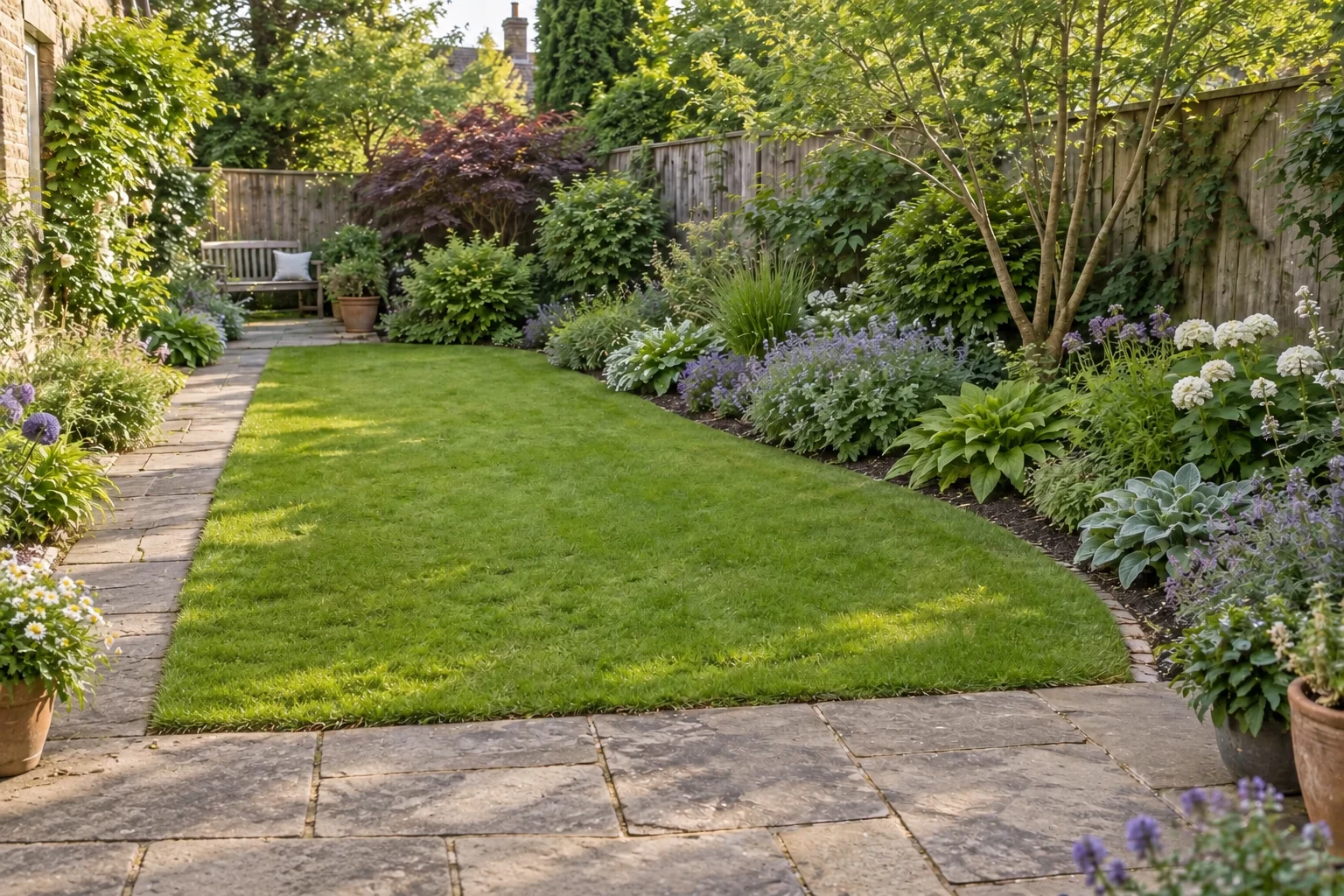
Six iScape alternatives, compared
Gardenful publishes this comparison and is one of the options listed. Compare how each app helps you design and what you can try for free.
| Option | App icon | Alternative | Best for | What changes from iScape |
|---|---|---|---|---|
| #1 |  | Best for A realistic design for your yard, with help choosing the plants. | What changes from iScape Suggests a design and plants rather than asking you to place every object. Check before choosing: iPhone, iOS 18+. First design free; more designs with Garden Pass: $7.99/week or $49.99/year (US). | |
| #2 |  | Best for Quick AI concepts with web or iPhone access. | What changes from iScape Photo-based ideas, editing and plant tools instead of building a scene from scratch. Check before choosing: Free to start; generation limits and paid plant/editing features vary by plan. | |
| #3 |  | Best for AI plus manual editing, 2D planning, and iOS AR. | What changes from iScape Combines generated ideas with hands-on editing; allow time to learn the tools. Check before choosing: $19.99/month or $199/year. Separate web and mobile plans; AR is iOS-only. | |
| #4 |  | Best for A quick exterior or whole-home style experiment. | What changes from iScape Covers home interiors and exteriors, not just gardens. Check before choosing: Website Pro lists garden design at $349/year. iPhone offers differ; check the in-app price and included tools. | |
| #5 |  | Best for Simple style experiments on a yard photo. | What changes from iScape Choose a style and generate a picture without arranging each object. Check before choosing: First design free; then a subscription. No planting list or soil/climate assessment. Check your store's price. | |
| #6 |  | Best for A one-off project with planning-document options. | What changes from iScape Advertises text edits and planning documents. Inspect the preview for the detail you need. Check before choosing: $12 per project, or $9 each for 3+. Free planning preview, not a photorealistic render. |
Sources: iScape, Apple App Store [4] [1] [5] [10] [8] [12], Neighborbrite, DreamzAR, Remodel AI Studio, Gardenly, Hadaa [13] [14], Remodel AI
Why look beyond iScape?
iScape is a good fit when arranging plants and materials is part of the fun. Choose a photo-first alternative when you want the app to suggest the starting design for you.
iScape's FAQ lists Pro at $29.99/month or $299.99/year, with limited free use. It supports iOS and Android and announces an upcoming AI beta alongside its established placement tools. Check which features your device supports before switching.3,4
Try an alternative if you want the app to suggest the planting, prefer to work in a browser or want a one-off purchase. Stay with iScape if manual control is the part you value most.3,1,5
Use your own yard photo for the trial. A design that works around your existing path and windows tells you more than an app's sample garden.16,17,15
Know the look you like, but not what to plant?
Start with your yard photo and tell Gardenful what you like. It suggests a realistic planting design, with plant names and quantities to help you create the look. These app screens show the design and its plant list together.
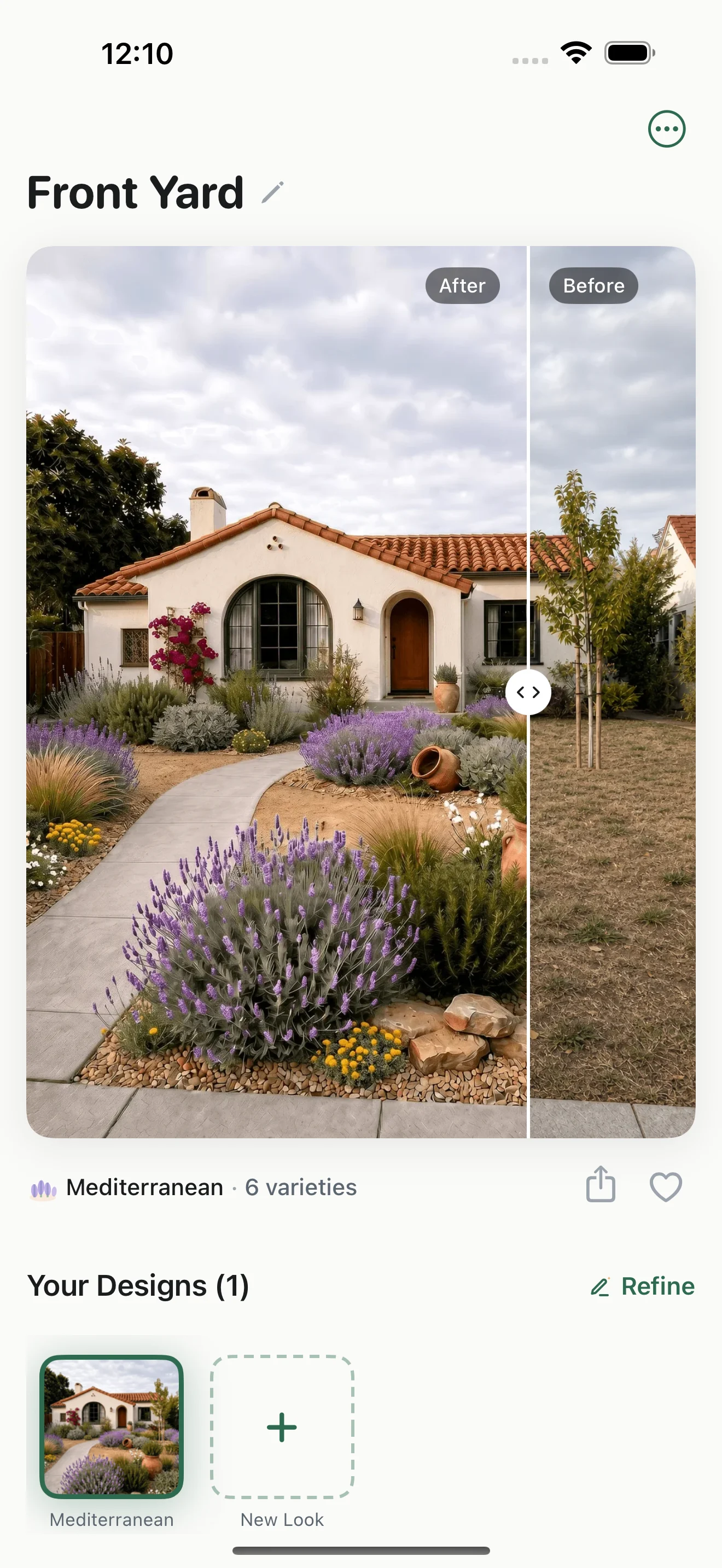
See the planting in your own yard
Compare the new planting with your original photo, so you can see how it looks beside your house, path and entrance.
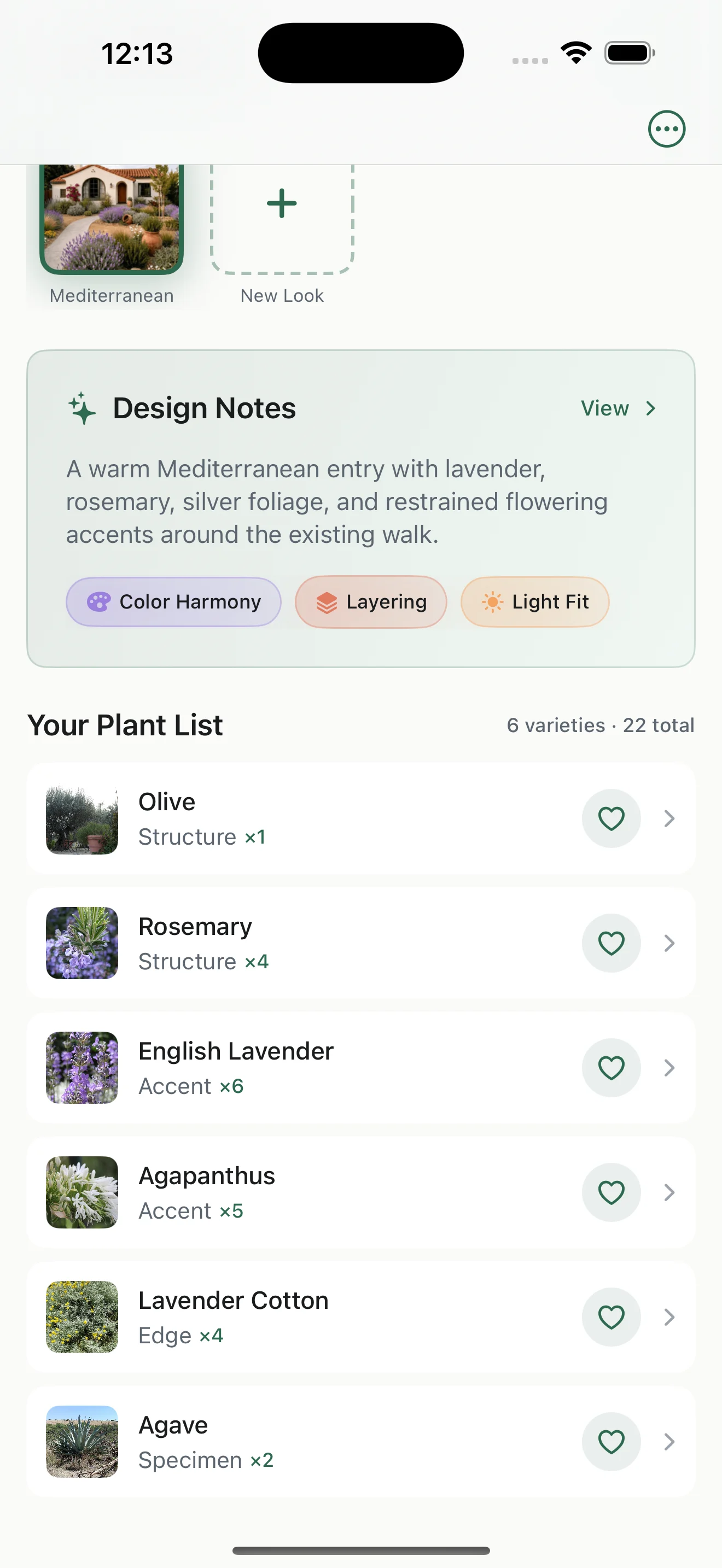
Open the plant list
Plant names, photos and suggested quantities give you a shortlist to discuss at the nursery. Check local fit before buying.
Run a small test before switching
Try the entry bed or patio edge you actually want to change. You will learn more from that small project than from an app's sample yard.
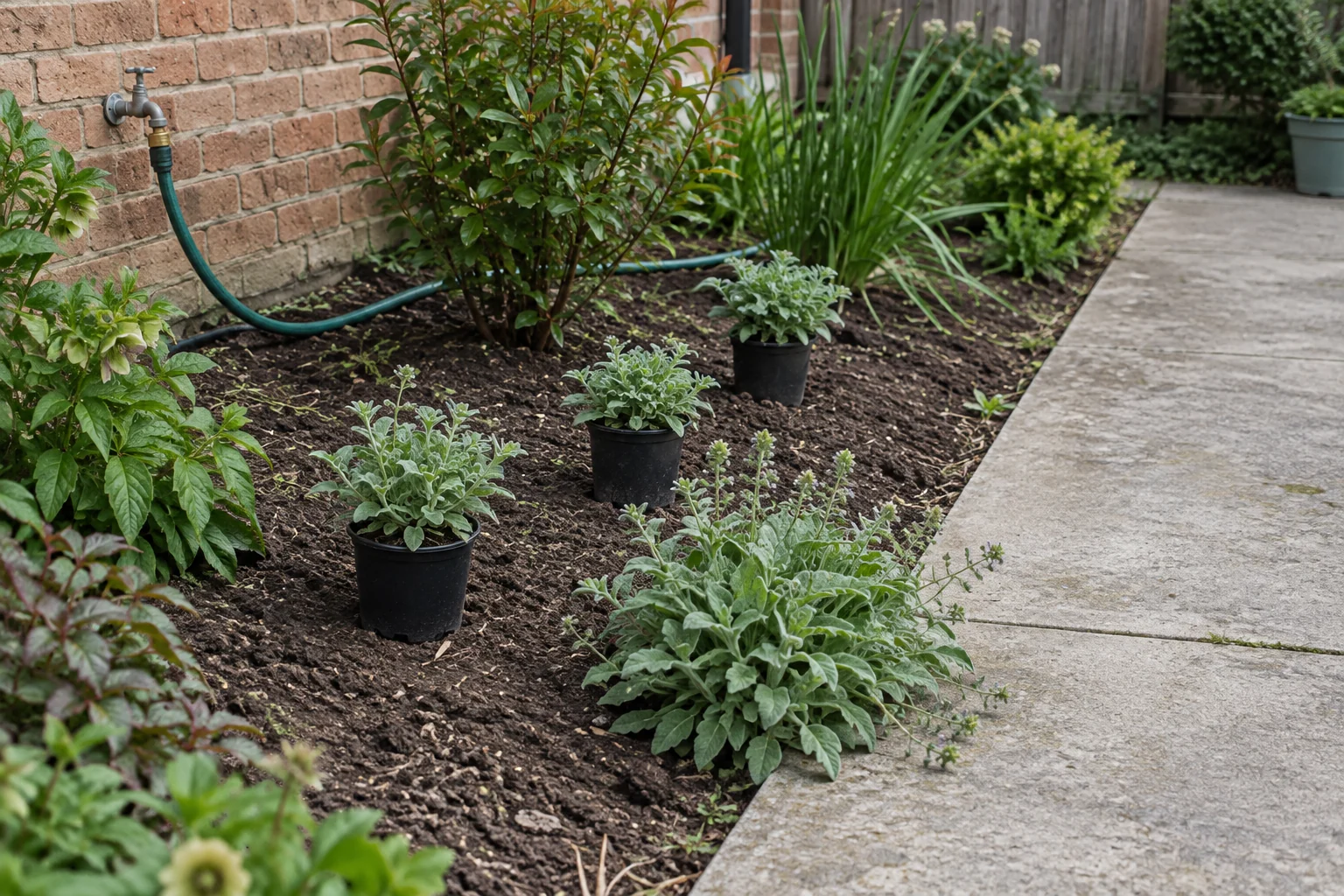
- 1
Use the same photo you would use in iScape
Keep the house, path, mature trees, windows, fence, and target area visible.
- 2
Ask for one job
Try “make the entry feel planted without narrowing the walk” rather than “redesign my yard.”
- 3
Save the first output and the effort it took
Record whether you received a visual, editable layout, plant list, export, or only a preview.
- 4
Check paths and room for plants
Reject ideas that block access, ignore mature spread, conflict with utilities, or depend on unverified plant performance.
Frequently asked questions
What is the best iScape alternative?
Gardenful is our pick if you want a realistic design and help choosing plants from your yard photo. Try DreamzAR if you still want manual editing and AR, or Neighborbrite for browser access. If you enjoy arranging individual plants, iScape may already be the right fit.
Is there an iScape alternative that uses AI?
Yes. Gardenful, Neighborbrite, DreamzAR, Remodel AI, Gardenly and Hadaa can create designs from photos. Compare their editing tools, plant information and prices before choosing.
Is iScape better than AI landscape apps?
It can be better when you want to place and edit elements yourself. AI-first apps can be faster when you want a first idea from a photo. The right choice depends on whether control or speed is the missing piece.
Can an iScape alternative make a plant-ready plan?
Gardenful gives you a design with suggested plants and quantities. Use that list to discuss choices at the nursery, then check that the plants fit your light, soil and available space before buying.
Which iScape alternative is easiest for a beginner?
Gardenful is built for beginners who want to start from a photo and preferences without choosing every plant first. You can review the suggested design and plant list, then refine them for your yard. A manual editor asks you to make more placement decisions yourself.
GardenfulTry a planting idea on your own yard.
You don't have to start with a plant list. Add your yard photo and preferences in Gardenful to see a realistic design, with suggested plants to help you bring it to life.
Gardenful for iPhone
Download the app free and start with a photo of your yard.

Current product and planning sources(17)
Initial research was completed September 11, 2026, with selected details refreshed September 25 as dated below.
- [1]
- [2]Neighborbrite
Neighborbritehttps://neighborbrite.com/
- [3]
- [4]
- [5]
- [6]AI Landscape Design
Remodel AI Studiohttps://studio.remodelai.io/ai-landscape-design
- [7]
- [8]
- [9]
- [10]
- [11]
- [12]
- [13]
- [14]
- [15]Landscape Planning
University of Maryland Extensionhttps://extension.umd.edu/resource/landscape-planning
- [16]Drawing a Landscape Plan: The Base Map
University of Florida IFAS Extensionhttps://ask.ifas.ufl.edu/publication/EP456
- [17]Right Plant, Right Place
University of Florida IFAS Extensionhttps://ask.ifas.ufl.edu/publication/EP416