AI garden design guide
Can Grok Imagine redesign your garden?
The short answer
Grok can edit an existing photo, so you can ask it to explore new planting in your garden. Give it a specific area and a specific change. A restyled scene and a practical planting idea are different results: the useful image still shows the same house, fence, path and usable space.
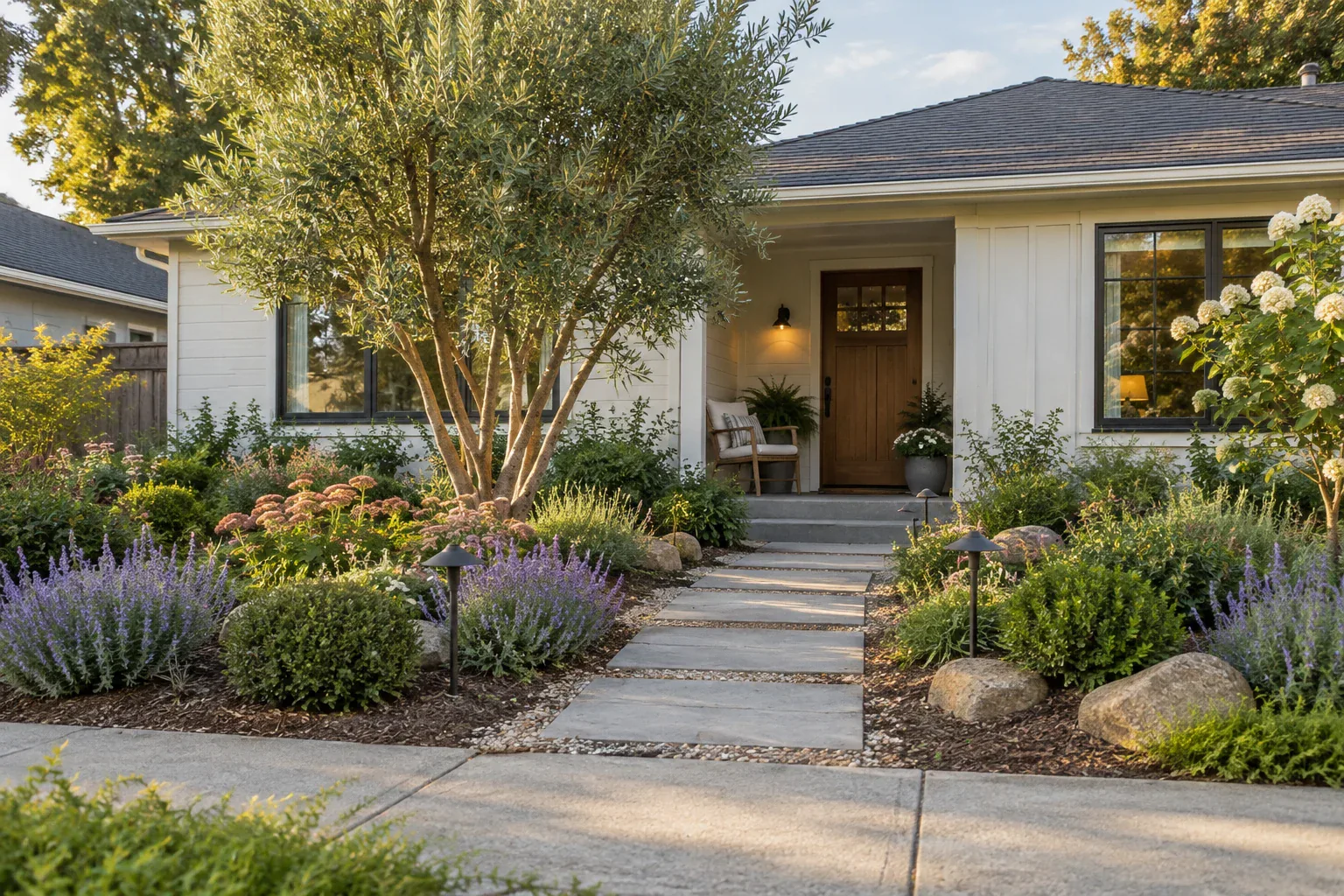
Choose a planting edit rather than a whole-scene restyle
Decide whether you want different plants or a different kind of picture.
Open Grok and upload your yard photo to start an image edit. Ask for a change to one planting area using the example below.
Grok’s image-editing documentation describes uploading a photo, making changes in words, restyling images and extending the canvas. For a garden project, an edit to the existing scene is the relevant starting point.1
A cinematic lighting change may make the yard look more inviting without improving the planting. Keep viewpoint, daylight and framing steady while deciding what should go in the ground. You can explore presentation styles after the layout works.
Make the request small enough to judge
Tell Grok what to change and what to keep. These examples give you a starting point for your own photo.
Fill a bare bed
A focused request: Add layered planting inside the existing curved bed.
A check on the result: Its edge still follows the original curve.
Soften a fence
A focused request: Add a planted layer along the inside of this fence.
A check on the result: The fence keeps its position, height and material.
Keep a route open
A focused request: Change only the planting to the left of the path.
A check on the result: The path stays the same width all the way to the gate.
Try a narrow bed along a fence
Suppose the fence is sound and you want the planting beside it to feel less bare.
Use a photo that includes the gate and the full route leading to it. Those fixed objects give you a way to judge whether the new planting fits. Supply the real bed depth and sun exposure instead of asking Grok to infer them.
“Edit only the planting bed on the garden side of this fence. Add a loose, repeating mix of shrubs and lower foliage. Keep the existing fence boards, posts, gate, path width and camera angle. Leave the gate swing and path clear. Keep the original daylight. Do not replace the fence, extend the yard or add a new structure.”
A follow-up can change one thing: “Keep this layout, but make the planting less dense beside the gate.” If the fence or boundary shifts, use the original image again rather than refining the altered yard.
Review the edit in this order
Check fit before beauty so you do not choose a result that depends on rebuilding the yard.
- 1
Compare fixed objects
Look at fence posts, path edges, doors and the horizon in both images.
For example: A missing gate is a reason to revise, even if the planting looks good.
- 2
Check how you use the space
Walk the actual route and open the gate. Look for leaves or branches occupying that space in the concept.
For example: Leave the real access route usable as the plants mature.
- 3
Refine the look
Once the boundaries hold, change the foliage mix, flower palette or density.
For example: Ask for one adjustment so you can see what improved.
Grok or Gardenful for a planting project?
Gardenful publishes this guide. Grok gives you room to experiment with image edits. Gardenful is the better fit when you want help choosing plants and seeing a realistic design for the space you actually have.
Creative image control
Grok: Describe edits, a restyle or a new composition.
Gardenful: Develop realistic planting around your photo and selected area.
Personal preferences
Grok: Explain the look and constraints in your prompts.
Gardenful: Get help choosing a look from your preferences, yard conditions and plants you like.
A next step after the picture
Grok: Request plant suggestions and compare them with the result.
Gardenful: See which plants could create the look, with names and suggested quantities beside the design.
Check the planting beyond the picture
A full-looking fence border can be the right direction without being a shopping plan.
Check the mature width of candidate plants against the available bed and the access route. Match them to actual light and moisture conditions, rather than selecting from appearance alone.2
Keep the existing fence in your brief unless replacing it is part of the project. For changes to boundary structures or physical site work, confirm ownership and get the relevant local advice before acting on a render.
Frequently asked questions
Can Grok edit my yard photo?
Yes. Grok documents edits to uploaded images through plain-language requests. Ask for a planting change within a named area and compare the result with the original.
Will Grok preserve my fence and house exactly?
You can ask Grok to keep them unchanged, but compare the result with your original photo. Check the fence posts, house corners and path edges before refining the planting.
Is Grok or Gardenful better for landscaping?
Choose Grok if you want to experiment with image edits and describe each change yourself. Try Gardenful on iPhone if you want help deciding what to plant. It turns your photo and preferences into a realistic garden design with suggested plants and quantities.
 Gardenful
See what could grow beside your fence.
Mark the planting area in your yard photo and tell Gardenful what you want to keep. Try a realistic design with suggested plants, then save your favorite idea.
Gardenful for iPhone
Download the app free and start with a photo of your yard.

Sources(2)
Official feature documentation and planting guidance.
- [1]
- [2]Right Plant, Right Place: Plant Selection and Siting
University of Florida IFAS Extensionhttps://ask.ifas.ufl.edu/publication/EP416