AI garden design guide
Can Perplexity help design your garden?
The short answer
Yes. Perplexity can help you research plants and generate a picture of a garden idea. Start with your location and growing conditions, then use the image to compare the look you want. Check plant names against the sources; a generated flower may not match the species in the written answer.
Separate the researched answer from the generated image
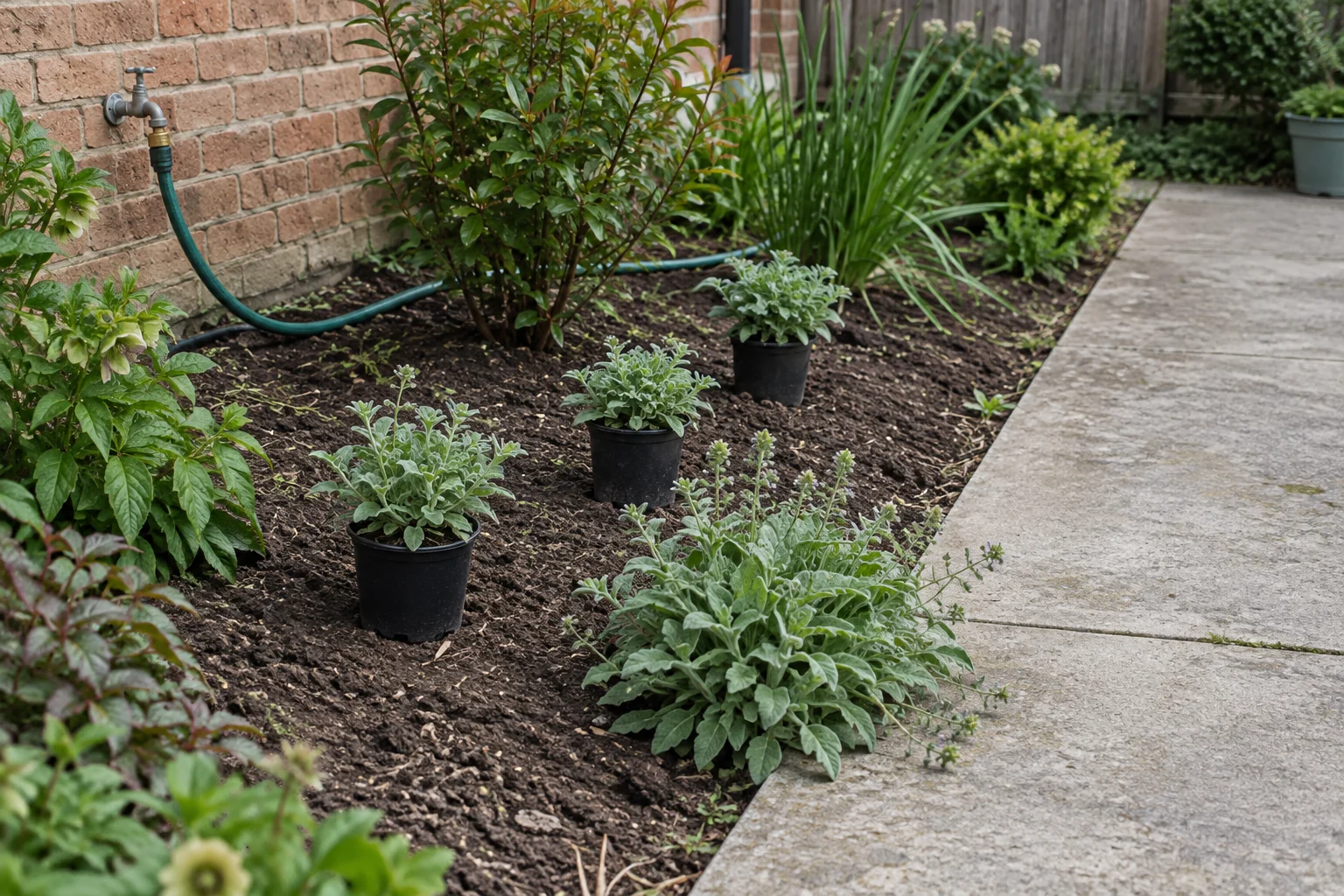
Start with plants that suit the bed, then ask what they could look like together.
Type your image request into Perplexity's search box, then use follow-up prompts to change it. You can choose an image-model preference separately from the chat model. Available models and usage limits depend on your plan.1
For a garden, first ask for sources that match your location and conditions. Then request an image using the planting roles you have chosen. Do not treat a citation beside an answer as confirmation that the generated flowers depict an exact species.
Research a shady bed before asking for a picture
Imagine a bed beside a porch that receives a little morning sun. You want attractive foliage without plants spilling across the steps.
- 1
Ask for locally relevant sources
Provide your location, observed light, soil moisture and bed dimensions. Ask for regional extension or botanical-garden guidance.
For example: Find locally suitable planting options for a bed with morning sun and afternoon shade. Give the source for mature spread and moisture needs, and say what site facts are missing.
- 2
Choose roles before names
Compare a low edge with a fuller background layer. Open the cited pages and check that each supports the recommendation.
For example: Which options stay within the available space at maturity? Separate facts from suggestions and identify any unresolved local suitability questions.
- 3
Request a concept from the chosen brief
Ask it to edit your uploaded yard photo. Check that the result shows your yard before refining the planting.
For example: Generate a realistic garden concept showing a low foliage edge and a repeating background layer beside a porch. Keep the steps open. Use this as a style study; list the plant suggestions separately.
Check the plant advice against its sources
A link can be useful without supporting every part of the proposed design.
Regional plant guidance
Useful for: Whether a candidate suits the stated local conditions.
Still check: Whether the recommendation accounts for your bed’s light, soil and moisture.
Mature-size information
Useful for: Whether a plant could fit within the measured bed.
Still check: The actual spacing in your bed; the image may be out of scale.
Generated garden image
Useful for: Whether you like the arrangement and visual character.
Still check: Plant names, local availability and growing needs.
Refine the picture without losing the research
Save your verified shortlist before trying a different image direction.
Perplexity lets you regenerate or request a change in the same session. Edits and regenerations count toward usage limits. Include “generate an image” in a follow-up when you want a new visual rather than another written answer.1
If the next picture adds bright flowers you never chose, decide whether you like the idea before asking which plants could create it. Return to regional sources for that new choice. Avoid treating an attractive addition as a plant the research has already approved.
Perplexity or Gardenful for the next step?
Gardenful publishes this guide. Perplexity is useful when you want to dig into plant research and its sources. Gardenful helps when you're ready to see an appealing design in your own yard without assembling every planting choice yourself.
Research the choices
Perplexity: Ask for sources, compare answers and inspect the cited pages.
Gardenful: Get a suggested plant list with the design, then check the choices for your local conditions.
Develop a visual idea
Perplexity: Request an image and manage the brief and model choices.
Gardenful: Create realistic planting from your yard photo, preferences and selected area.
Return to the project
Perplexity: Keep the research, images and decisions organized in the conversation.
Gardenful: Return to a saved garden design with plant roles and suggested quantities.
Take the shortlist back outside
The last check is the bed itself.
Match candidate plants to the actual light, moisture and mature space beside the porch. Site conditions and the plant’s eventual size matter alongside the look you want.2
Mark the possible plant positions and check the steps stay clear. If you still lack a measurement or cannot explain why a plant fits, resolve that question before buying. Keep the preferred concept as a reference rather than a substitute for those checks.
Frequently asked questions
Does Perplexity generate garden images?
Yes. Ask Perplexity to generate a garden image, then describe any changes you want. Image models and usage limits depend on your plan.
Do Perplexity’s citations verify the plants in a generated image?
No. Open the sources to check the written plant advice. They cannot confirm the identity of every plant in the generated picture.
Do I have to pay for Perplexity image generation?
No. Perplexity offers limited image generation on its free plan, with different allowances on paid plans. Check your account for the current limit.
Why use Gardenful alongside Perplexity?
Use Perplexity to explore questions about the plants. Try Gardenful when you want to see how planting could look at your own house, with help choosing the plants rather than building the whole design brief yourself. The saved design includes plant suggestions and quantities you can check against your research.
 Gardenful
See a planting idea for the space you’ve researched.
Add your yard photo and preferences to Gardenful. Explore a realistic planting design, then use the suggested plant list alongside your local research.
Gardenful for iPhone
Download the app free and start with a photo of your yard.

Sources(2)
Official feature documentation and planting guidance.
- [1]
- [2]Right Plant, Right Place: Plant Selection and Siting
University of Florida IFAS Extensionhttps://ask.ifas.ufl.edu/publication/EP416